

What Things Can Affect WiFi Signal Strength?
Posted on: 07/03/2025
Ever wondered why your WiFi is fast in one room but barely loads a webpage in another?
The strength of your WiFi signal can be affected by several factors, from physical barriers to electronic interference.
It’s not just about having a good router, it’s about understanding what weakens the signal and how you can optimise your wireless networking setup for the best performance.
Let’s review the main culprits behind weak WiFi and how to fix them.

Physical Obstructions
Walls, floors, and furniture can all interfere with your WiFi signal. Concrete and brick walls are notorious for blocking signals, while metal and mirrors can reflect and disrupt them.
Solution:
Place your router in a central location.
Keep it off the floor and away from thick walls.
Avoid placing it behind furniture or in a closed cabinet.
Interference from Other Devices
WiFi operates on radio frequencies, and many household gadgets share the same spectrum. Microwaves, cordless phones, Bluetooth devices, and baby monitors can all interfere with your wireless networking.
Solution:
Use the 5GHz band instead of 2.4GHz when possible (less congestion).
Keep your router away from other electronics.
Reduce the number of active wireless devices on your network.
Router Placement & Antenna Position
Your router’s location and antenna direction matter more than you think. Placing it in a corner or a basement will limit coverage, and improper antenna positioning can send signals in the wrong direction.
Solution:
Position the router centrally in your home or office.
Adjust external antennas—one vertical, one horizontal—for better coverage.
Keep it elevated, such as on a shelf or mounted on a wall.
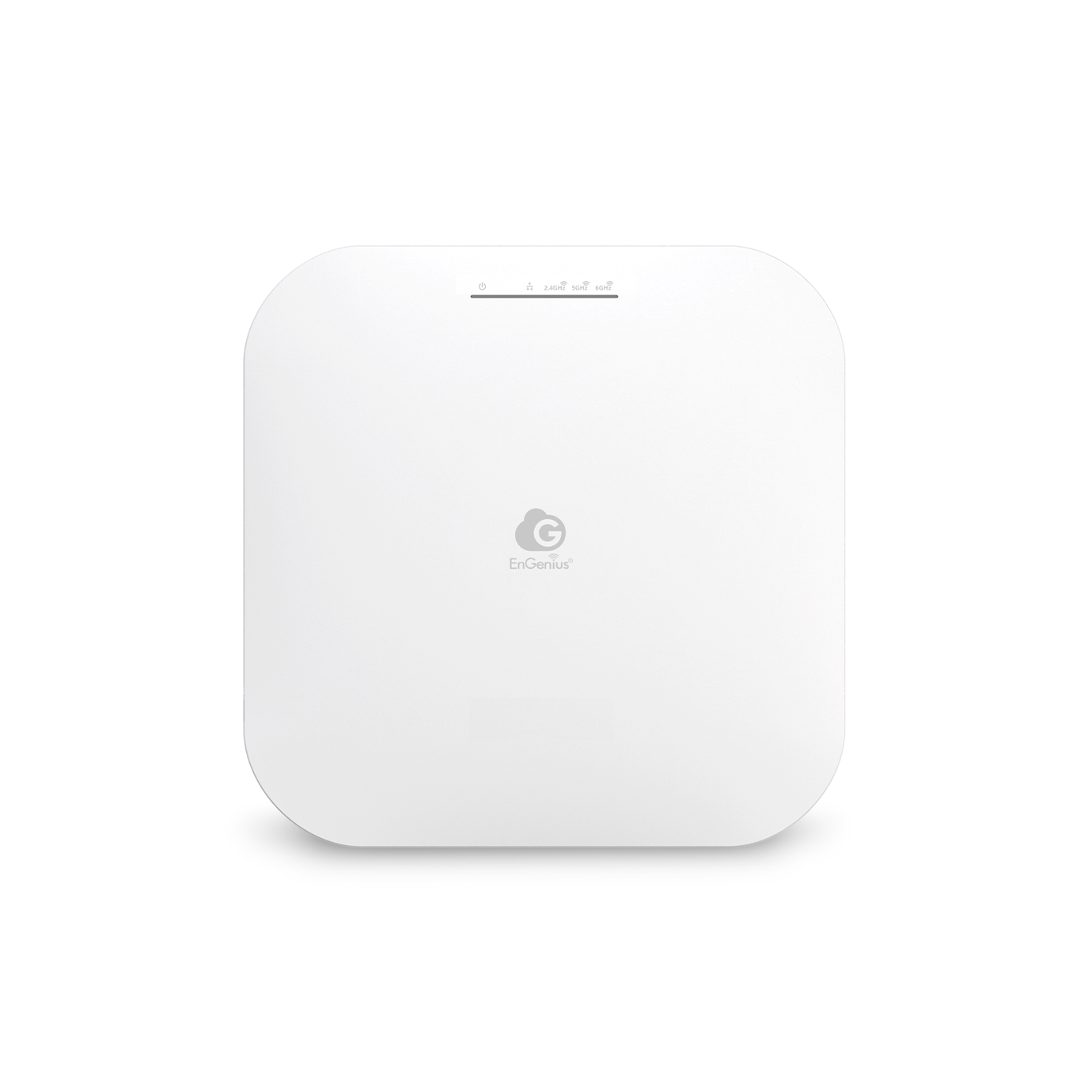
Network Congestion
If you live in an apartment building, your neighbours’ WiFi networks could be slowing yours down. Too many networks on the same channel cause interference.
Solution:
Use a WiFi analyzer app to find the least crowded channel and switch to it.
Upgrade to a router that supports automatic channel selection.
Use the 5GHz band for a faster, less congested connection.
Outdated Equipment
Using an old router? WiFi technology has improved significantly in recent years. Older routers may not support modern speeds or handle multiple devices efficiently.
Solution:
Upgrade to a newer router with WiFi 6 or WiFi 6E for better speed and range.
Check your ISP plan—your internet speed might be the bottleneck, not the WiFi.
Replace outdated devices that don’t support modern wireless networking standards.

FAQs
Why does my WiFi signal drop randomly?
Random drops are usually caused by interference from other devices, network congestion, or a weak signal due to poor router placement. Try relocating your router or changing WiFi channels.
Can thick walls block WiFi signals completely?
Yes, materials like concrete, brick, and metal significantly weaken WiFi signals. Using a mesh WiFi system or a range extender can help improve coverage.
Is 5GHz better than 2.4GHz?
5GHz offers faster speeds but has a shorter range, while 2.4GHz has better range but is more prone to interference. If possible, use 5GHz for speed and 2.4GHz for coverage.
Will a WiFi booster help my signal?
Yes, but only if weak signal strength is the issue. If interference or congestion is the problem, a booster won’t help much. Consider a mesh WiFi system instead.
Does my internet provider affect my WiFi signal?
Not directly, but your ISP controls your internet speed. A slow plan means slow WiFi, no matter how good your router is. Always check your broadband speed first.

Related Products
