

What Type of Cable is Best for My Network Setup?
Posted on: 25/03/2025
Selecting the proper cabling is one of the most crucial decisions when setting up a network.
But with so many options, you might wonder: What type of cable is best for my network setup?
The simple answer depends on your specific needs, but in general, Ethernet cables (like Cat 5e or Cat 6) are the most commonly used for local area networks (LANs), while fibre optic cables are the go-to for high-speed, long-distance connections.
But with so many options, you might wonder: What type of cable is best for my network setup?
The simple answer depends on your specific needs, but in general, Ethernet cables (like Cat 5e or Cat 6) are the most commonly used for local area networks (LANs), while fibre optic cables are the go-to for high-speed, long-distance connections.

Ethernet Cables: Reliable and Cost-Effective
For most standard network setups, Ethernet cables are your best bet. They're reliable, relatively affordable, and easy to install. Cat 5e and Cat 6 cables are two popular choices:
Cat 5e (Enhanced): This cable type supports speeds up to 1Gbps and is typically sufficient for home networks or small offices. It might be all you need if you're browsing the web, streaming movies, or doing light office work.
Cat 6 offers faster speeds (up to 10Gbps) and better insulation, reducing interference. It is ideal for businesses, offices, or users running high-speed internet or handling large data loads.
Why Choose Ethernet?
Affordability: Ethernet cables are generally cheaper than fibre optics.
Availability: They are easy to find, and installation is relatively straightforward.
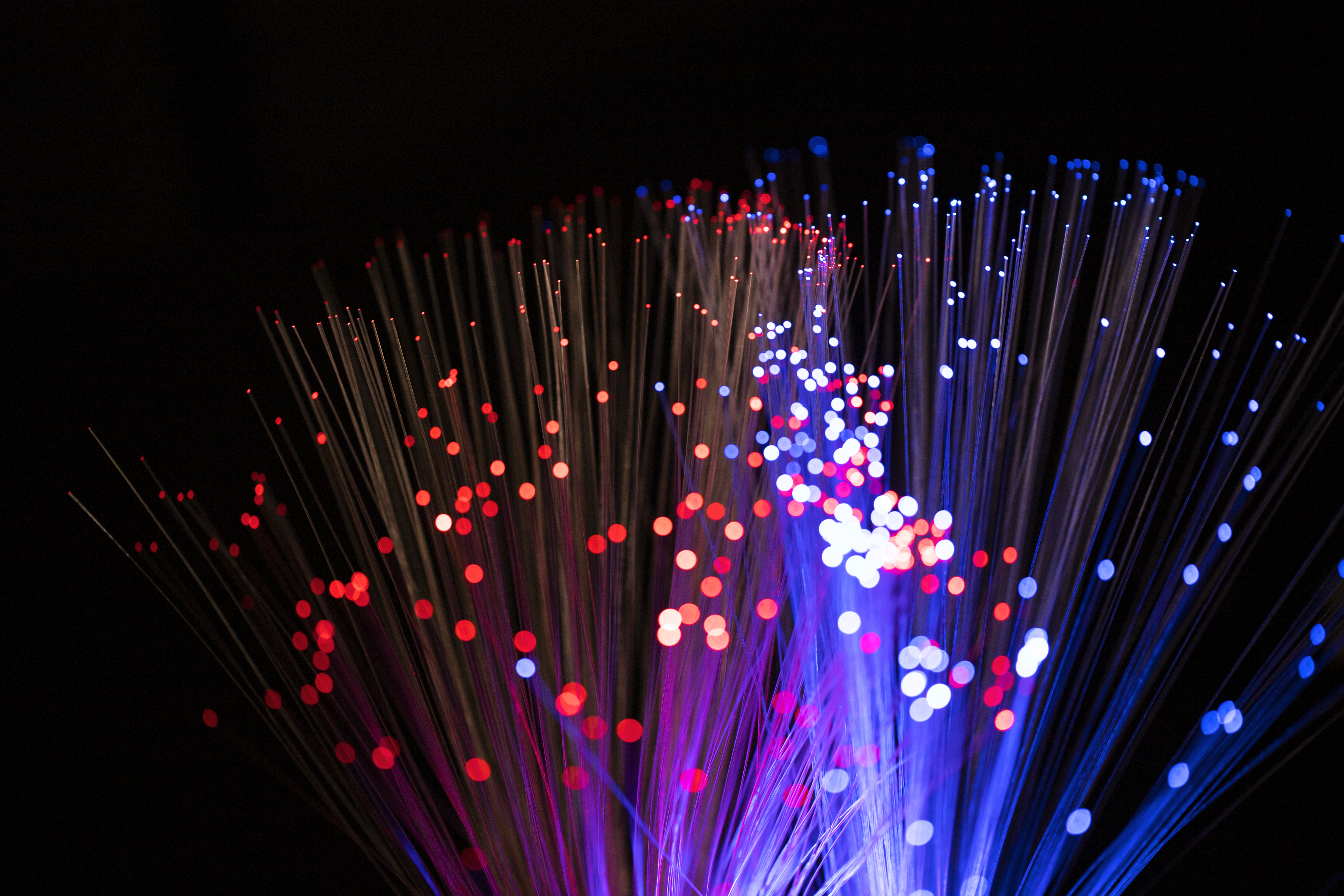
Fiber Optic Cables: The Speed Demons
Fibre optic cables are the clear winner if you're running a network that needs high-speed data transmission over long distances. They use light to transmit data, offering significantly faster speeds and longer ranges than traditional copper cables.
Single-Mode Fibre: Best for long distances, single-mode fibre is ideal for interconnecting buildings or large campuses.
Multi-Mode Fibre: Used for shorter distances within a building or campus. Great for data-heavy applications.
Why Choose Fiber Optic?
Speed: Fiber optics can handle far more data than Ethernet.
Distance: It can run over much longer distances without losing quality.
Futureproofing: If you're setting up a network that needs to handle increasing data demands, fibre optic is the way to go.
Other Considerations for Your Network Setup
Shielded vs. Unshielded: If you're setting up your network in a place with high electromagnetic interference (like near industrial machinery), consider shielded Ethernet cables (STP) to protect your signals.
Flexibility: IFlatcables can be an excellent option for routing cables in tight spaces without compromising on performance.


FAQs
What is the difference between Cat 5e and Cat 6 cables?
Cat 5e is suited for speeds up to 1Gbps, while Cat 6 can handle up to 10Gbps over shorter distances, making it ideal for faster and more data-intensive networks.
Can I use fibre optic for a home network?
While it's not necessary for most home setups, fibre optic can be used if you need high-speed internet and want to futureproof your home network.
How far can Ethernet cables go?
Ethernet cables can typically run up to 100 meters (328 feet) without degradation. Beyond that, you may need a repeater or switch.
Is fibre optic more expensive than Ethernet?
Yes, fibre optics are typically more expensive to install, but they offer greater performance and longevity, making them worth the investment for larger setups or long-distance needs.
Can I mix different types of cables in my network?
Yes, but you should consider each cable's capabilities. For example, combining Cat 6 cables with fibre optics can provide a more robust, high-speed network.

Final Thoughts
Choosing the right cable for your network setup doesn't have to be complicated. For most setups, Ethernet cables like Cat 5e or Cat 6 will meet your needs, offering a balance of cost and performance.
However, fibre optic cables are the way to go for those requiring higher speeds and greater distance.
Ultimately, the best choice depends on your network needs, so take your time and plan.
Related Products
