

What Should I Do if the Fusion Splicer’s Battery Isn’t Charging Properly?
Posted on: 16/04/2025
If your fusion splicer’s battery isn’t charging correctly, don’t panic. There are a few things you can check before assuming the worst. The issue could be as simple as a faulty power cable, a loose connection, or a worn-out battery that needs replacing. Start by inspecting the charger, power source, and battery contacts. If those seem fine, recalibrating or resetting the splicer might do the trick. Worst case? It may be time for a new battery or professional servicing.

Common Reasons Your Fusion Splicer Battery Won’t Charge
Before you jump to conclusions, here are some of the most common culprits:
Faulty Power Source or Charger
Try plugging the charger into a different outlet.
Test with another device to confirm that the outlet is working.
Swap out the charger if you have a spare.
Dirty or Corroded Battery Contacts
Dust and grime can prevent a proper connection.
To clean the battery terminals, use a dry cloth or a small amount of isopropyl alcohol on a cotton swab.
Battery Overuse and Age
If your battery is years old and doesn’t hold charge like it used to, it may have reached its limit.
Consider replacing the battery with a replacement from an original manufacturer rather than a cheap knockoff.

Software or Firmware Issues
Some fusion splicers have a battery calibration setting in the menu—check your manual.
A software update might fix charging-related bugs.
Internal Faults or Hardware Damage
If none of the above work, the issue could be internal—a problem with the battery circuit or splicer hardware.
Contact your supplier or manufacturer for repair options.
Quick Fixes to Try Before Replacing the Battery
Check the connections – Make sure everything is plugged in securely.
Restart the fusion splicer – A simple reboot can sometimes reset battery detection.
Test with a different battery or charger – Helps determine if the issue is with the battery or the charger.
Update firmware – Check for a fix if your splicer allows software updates.
When to Seek Professional Help
If you’ve gone through all the basic troubleshooting and your fusion splicer still won’t charge, it might be time to:
Replace the battery with a genuine replacement.
Get it serviced by the manufacturer or a repair technician.
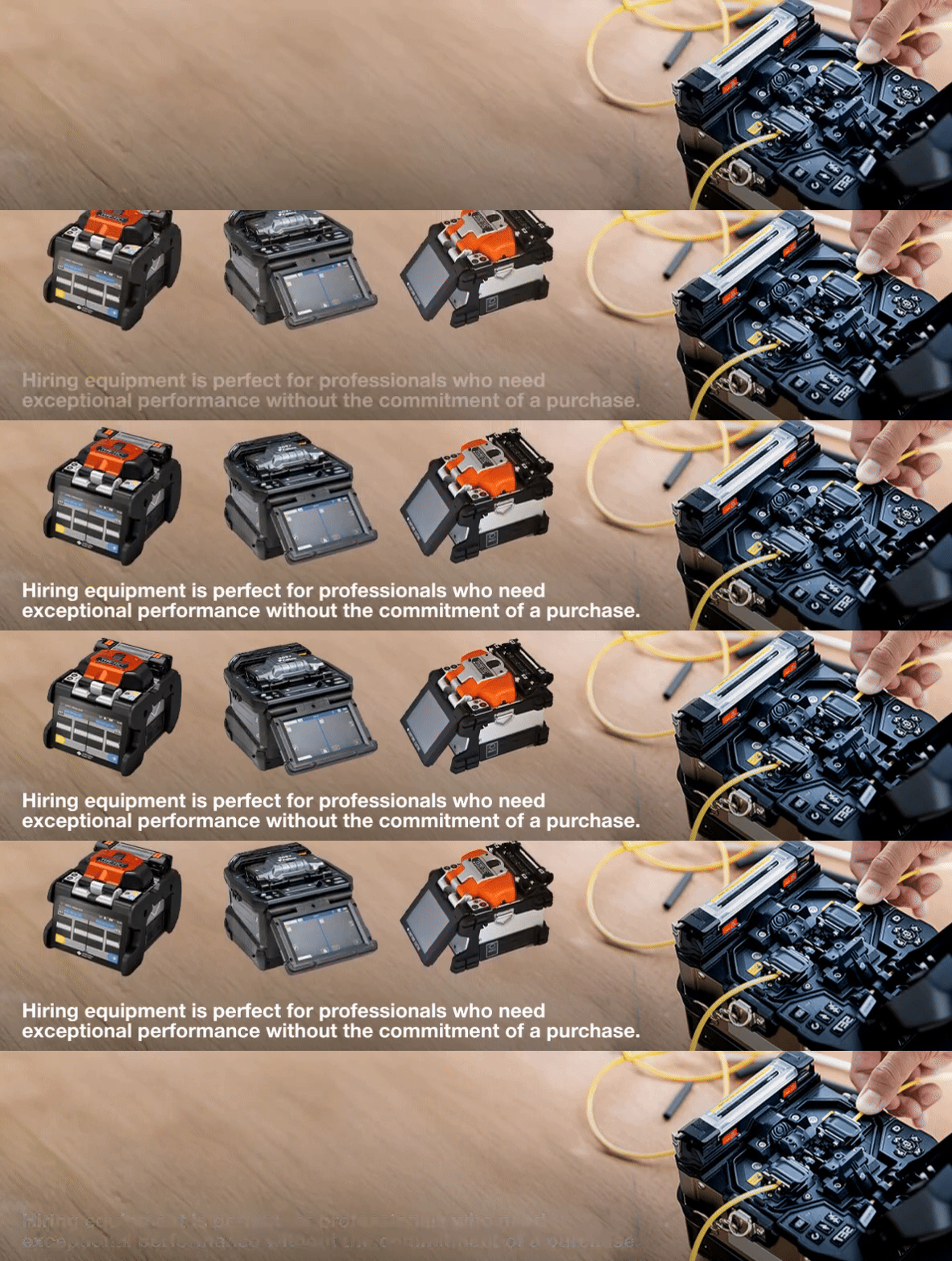
Hire a splicer while yours is being repaired. (At CMW, we offer fusion splicer hire to keep your work moving)

FAQs
How long does a fusion splicer battery last?
A well-maintained battery typically lasts 2-3 years, but heavy use can shorten its lifespan.
Can I use a third-party charger for my fusion splicer?
It’s best to stick with the manufacturer’s charger. Third-party options may not provide the correct voltage, leading to damage.
Why does my fusion splicer show a full battery but shut down quickly?
Your battery might be degraded and unable to hold a proper charge. Try using a new battery.
Should I remove the battery when not using my fusion splicer?
If storing for long periods, remove the battery and store it in a cool, dry place to prevent degradation.
Can I hire a fusion splicer if mine is being repaired?
Yes, CMW offers fusion splicer hire, so you can keep working while yours is serviced.

A non-charging fusion splicer battery is frustrating but usually fixable with a few basic checks. Start with the power source, battery contacts, and software settings. If all else fails, replacing the battery or seeking professional repair is your best bet. And if downtime isn’t an option, renting a splicer can keep your projects on track.
Related Products
