

How can I improve Wi-Fi performance in a crowded environment with many connected devices?
Posted on: 05/06/2025
When Wi-Fi slows to a crawl in a room full of laptops, phones, and tablets, the culprit is usually too many devices competing for too little space.
You can improve Wi-Fi performance in a crowded environment, and the fix often starts with upgrading your wireless networking setup to something more robust and business ready.
Whether you’re dealing with a busy office, school, co-working space, or even a coffee shop, enterprise-grade wireless networking solutions offer smarter ways to manage bandwidth, connections, and signal interference.
With a few strategic choices, you can transform your overloaded network into a fast, secure, and scalable wireless system.
You can improve Wi-Fi performance in a crowded environment, and the fix often starts with upgrading your wireless networking setup to something more robust and business ready.
Whether you’re dealing with a busy office, school, co-working space, or even a coffee shop, enterprise-grade wireless networking solutions offer smarter ways to manage bandwidth, connections, and signal interference.
With a few strategic choices, you can transform your overloaded network into a fast, secure, and scalable wireless system.

Understanding the Traffic Jam
Think of your Wi-Fi network like a motorway. In a quiet village, a two-lane road is fine. But once rush hour hits, or a music festival shows up in town (metaphorically or otherwise), you’ll wish you had smart traffic lights, wider lanes, and maybe a few flying cars.
In Wi-Fi terms, that means:
Congestion: Too many devices slow things down.
Interference: Competing signals create data collisions.
Coverage gaps: Poor placement of access points leads to dead zones.
Solutions That Actually Work
To tame the chaos, consider these wireless upgrades and techniques:
Upgrade to Wi-Fi 6 Technology
Wi-Fi 6 is designed for dense device environments. It handles more simultaneous connections, reduces latency, and improves battery efficiency for connected devices.
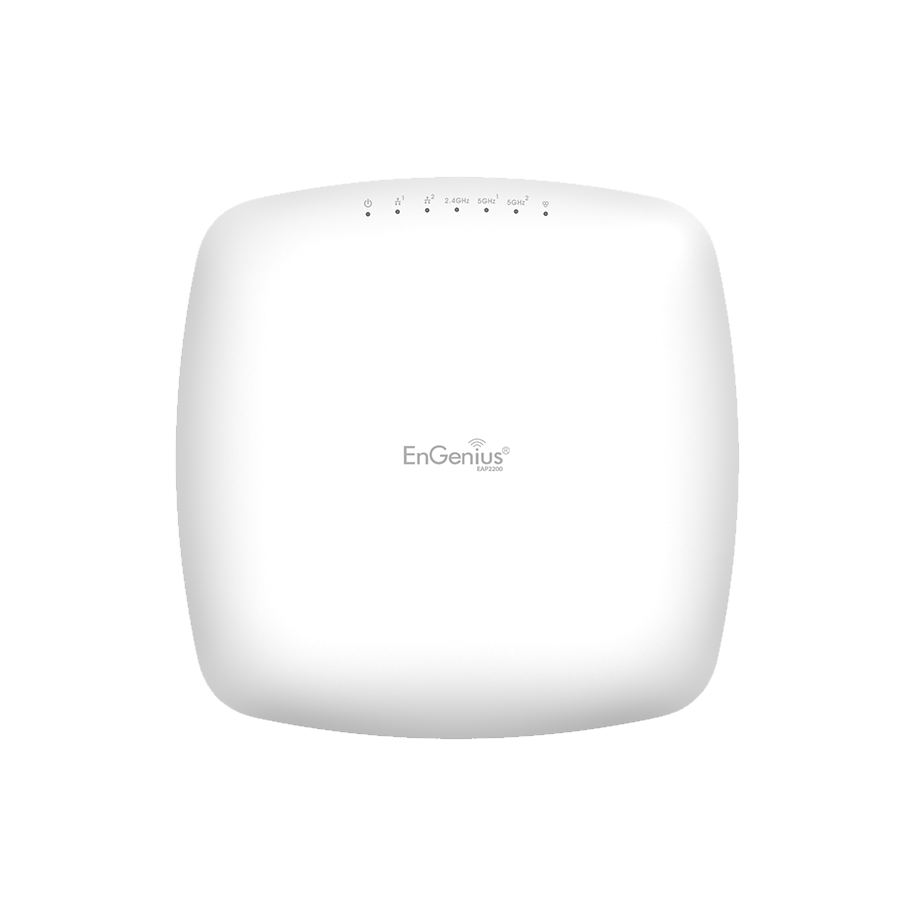
Use Enterprise Wi-Fi Solutions
Unlike basic routers, enterprise Wi-Fi systems offer better performance and reliability. They're designed for scalability and can handle hundreds of devices without breaking a sweat.
Deploy Multiple Wireless Access Points
Distribute the load across multiple access points to avoid overloading a single device. Position them strategically to eliminate dead zones and overlapping signals.
Use Mesh Networking
A mesh system creates a web of connected access points. Devices automatically connect to the strongest node. It's like handing each device a personalised concierge.
Enable Cloud-Based Network Management
Monitor usage, troubleshoot issues, and deploy updates, all from a central dashboard. This is especially useful for businesses with multiple locations or remote IT support.
Don’t Forget Wireless Network Security
Busy networks are juicy targets for hackers. Use secure authentication protocols and ensure firmware updates are automatic.


Final Thoughts
A sluggish Wi-Fi network in a busy environment isn’t just annoying, it’s bad for business. But with the right wireless networking solutions, you can kick congestion to the curb and give every device the bandwidth it deserves. From Wi-Fi 6 upgrades to mesh networks and cloud-managed systems, your path to seamless connectivity is clearer than ever.
And remember, just because your Wi-Fi technically works doesn’t mean it’s working well. If your network's motto is “hold my beer” every time more than five devices connect, it’s time for an upgrade.
Related Products
