

How Can I Optimise My Wireless Network for Maximum Performance and Minimal Interference?
Posted on: 04/04/2025
Start with the Basics: Reduce Interference and Improve Performance
If your wireless network feels sluggish, the culprit is likely interference or poor optimisation. The good news? A few tweaks can make a big difference. To maximise performance and minimise interference, you should:
Choose the right Wi-Fi channel to avoid congestion.
Position your router strategically for better coverage.
Upgrade outdated hardware to support modern speeds.
Optimise your bandwidth usage to prevent bottlenecks.
Secure your network to prevent unauthorised access.
Let's dive into the details and get your wireless network running like a dream.

Pick the Right Channel & Frequency
Most Wi-Fi routers operate on 2.4GHz or 5GHz bands. The 2.4GHz band is more crowded since it shares space with Bluetooth devices, microwaves, and even baby monitors. If you're experiencing interference, switching to a 5GHz channel can offer a more explicit connection.
Using Wi-Fi 6 (802.11ax) routers for enterprise networking can significantly improve efficiency, especially in high-density environments.
Optimise Router Placement
Wi-Fi signals don't travel well through thick walls or metal objects. To get the best coverage:
Place your router in a central, elevated position.
Keep it away from electronic devices that cause interference.
Use mesh networks or Wi-Fi extenders for larger spaces.
If you've ever wondered why your Wi-Fi is excellent in the kitchen but terrible in the living room, your fridge might be the reason!
Upgrade Your Network Hardware
Are you using an old router? It's time for an upgrade. Wi-Fi 6 and 6E offer better speeds, reduced interference, and improved device handling.
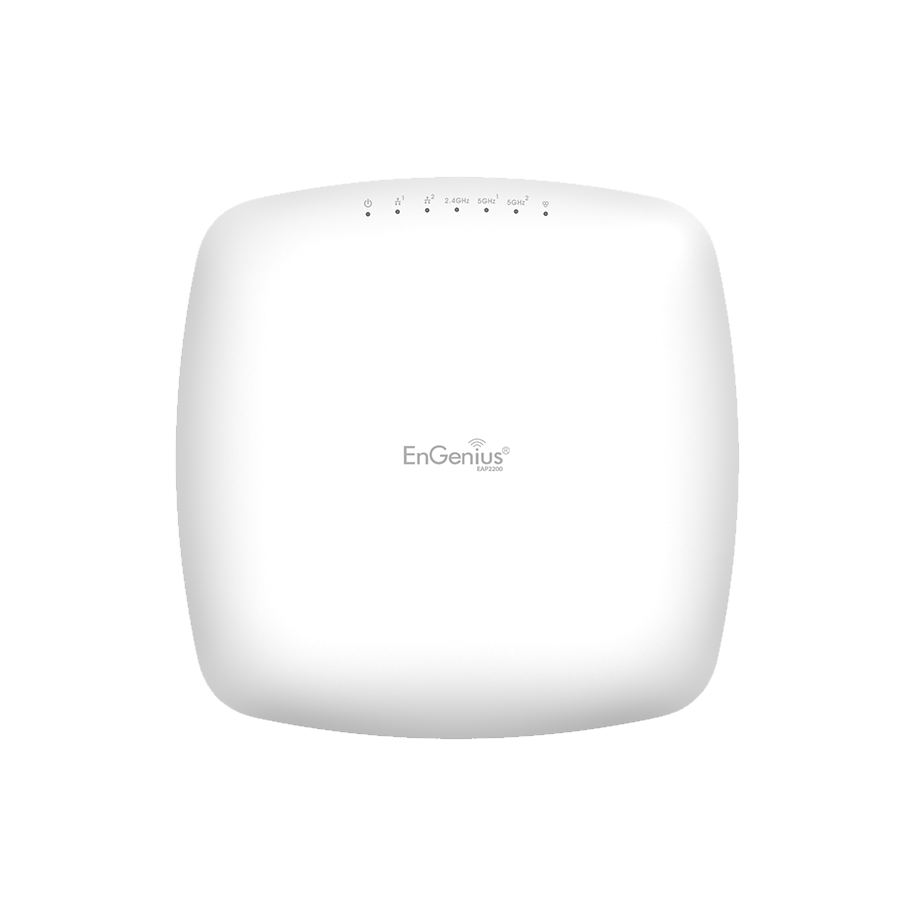
For businesses, managed access points allow you to control and optimise coverage across larger areas, making them ideal for enterprise networking.
Manage Bandwidth Smartly
Are there too many devices streaming or downloading at once? That's a recipe for network slowdowns. To prevent this:
Enable your router's Quality of Service (QoS) settings to prioritise critical tasks.
Use wired connections for bandwidth-heavy activities like video conferencing.
Limit background updates and downloads during peak hours
Secure Your Network
An open Wi-Fi network is an open invitation for freeloaders to slow things down. Keep your network protected by:
Using WPA3 encryption for better security
Changing default passwords to prevent unauthorised access
Setting up a separate guest network for visitors

FAQs
How do I check for Wi-Fi interference?
You can use Wi-Fi analyser apps to scan for congested channels and switch to a less crowded one.
Is 5GHz always better than 2.4GHz?
Not always. While 5GHz is faster, it has a shorter range. If you need coverage in a large area, 2.4GHz may be better.
How many devices can my Wi-Fi handle?
It depends on your router. Standard routers support 20–30 devices, while enterprise-grade ones can handle hundreds.
Should I use a mesh network?
A mesh network can provide seamless coverage without signal drops if you have an ample space with weak spots.
How often should I upgrade my router?
Every 3–5 years. Newer models offer better security, speed, and handling of multiple devices.

Final Thoughts
Optimising your wireless network isn't just about speed but reliability and efficiency. Whether you're a data installer setting up networks or an electrician working on enterprise solutions, these tips will help keep your connections strong.
Want a faster, interference-free network? Start optimising today.
Related Products
