

How Do I Manage and Monitor My Wireless Network?
Posted on: 16/04/2025
The key to managing and monitoring your wireless network is to stay proactive. It's not just about setting it up and hoping for the best; effective wireless network management ensures everything runs smoothly, whether overseeing a small home network or an extensive enterprise network.
And trust us, nobody enjoys the constant battle with connectivity issues, dropped connections, or slow speeds.
In this post, we'll explore some practical tips and tools for managing and monitoring your wireless network effectively, with a special focus on enterprise and cloud networking.
But don't worry, this isn't some technical jargon overload. We're keeping things human, straightforward, and a little fun.
And trust us, nobody enjoys the constant battle with connectivity issues, dropped connections, or slow speeds.
In this post, we'll explore some practical tips and tools for managing and monitoring your wireless network effectively, with a special focus on enterprise and cloud networking.
But don't worry, this isn't some technical jargon overload. We're keeping things human, straightforward, and a little fun.
Why Is Wireless Network Management Important?
Wireless networks are at the heart of today's digital world, and whether you're an electrician, a data installer, or a business running an extensive enterprise network, the ability to manage and monitor that network is crucial. Here's why:
Improved Performance: A well-managed network runs smoothly, ensuring your devices stay connected and your apps work as expected.
Security: Keeping an eye on your wireless network helps protect it from threats and unauthorized access.
Scalability: As your needs grow, a properly managed network can quickly adapt, handling more users and devices without significant disruptions.
Key Elements of Effective Wireless Network Management
Effective wireless network management doesn't have to be complicated. Here are a few core elements to keep in mind:
Network Monitoring Tools
These are your go-to tools for monitoring network health. Tools like SolarWinds or Ubiquiti UniFi allow you to monitor traffic, detect issues, and manage your network from a single platform.
Why Use Them: You get real-time data on your network's status, making it easier to troubleshoot and ensure everything is running as it should.
Cloud Networking
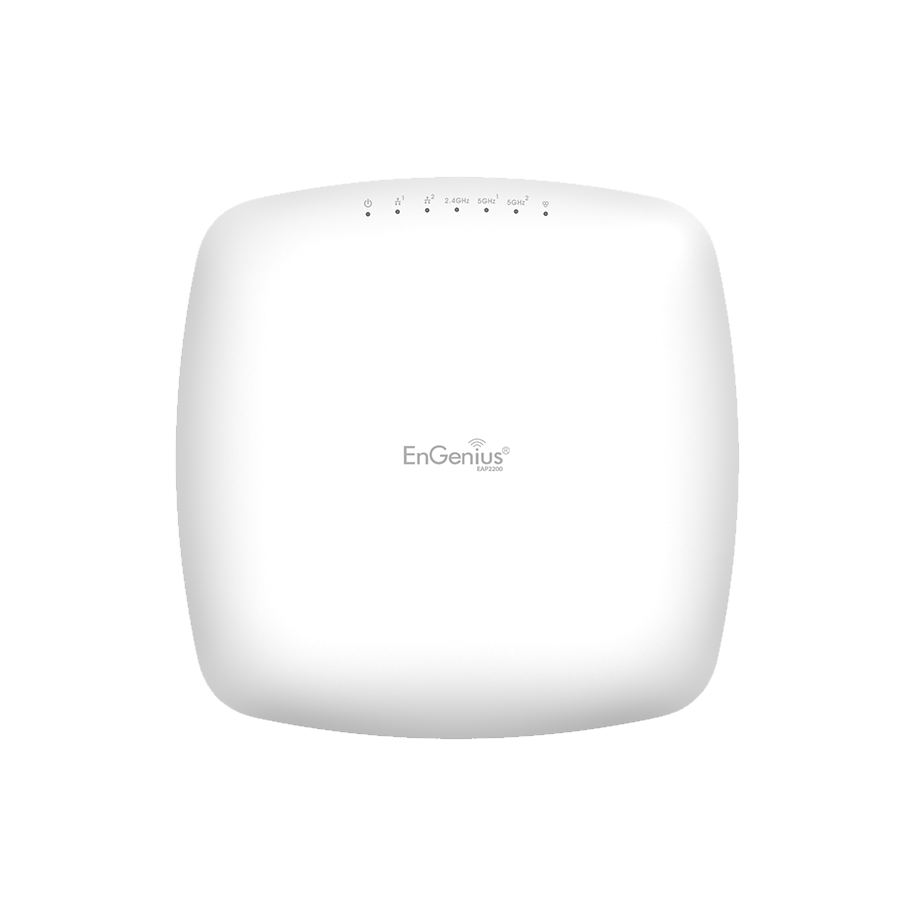
Cloud networking is becoming more popular for businesses of all sizes, including small to medium enterprises. With cloud-based solutions, you can manage your network from anywhere without being tied to physical infrastructure.
Examples: Platforms like Meraki or Ruckus offer cloud-managed wireless solutions. These allow you to monitor and manage your network remotely, adjust settings, or resolve real-time issues.
Regular Network Audits
Regular audits can help you spot vulnerabilities and inefficiencies before they become significant problems. This could be as simple as checking connection speeds across your network or ensuring your hardware is up to date.
Best Practices for Wireless Network Management
Managing your wireless network is not all about fancy equipment and tools (though those are important). You also need to follow best practices to keep everything running smoothly:
Use Strong Encryption: Always use WPA3 encryption for your Wi-Fi network. It's the most secure option and prevents unauthorized access.
Keep Your Firmware Updated: Regularly update your routers, switches, and other network devices to avoid vulnerabilities.
Optimise Channel Selection: Avoid network congestion by choosing the best Wi-Fi channels. Most modern routers can automatically select the best one, but you might need to manually adjust it in crowded environments.
Wireless Network Monitoring Solutions for Enterprise Networks
When managing a more extensive network, it's important to have more robust monitoring. For enterprise-level networks, these solutions help you keep everything under control:
Wi-Fi Heatmaps: Tools like Ekahau create detailed maps of your wireless network, showing where your coverage might be weak or overly congested.
Bandwidth Management: Tools like PRTG Network Monitor help you keep track of bandwidth usage, ensuring no device is hogging all the resources.


FAQs
What is the difference between managing a home network and an enterprise network?
A home network is generally simpler and doesn't require the same level of security, monitoring, or scalability as an enterprise network. Enterprise networks often require more advanced tools, multiple access points, and strict security protocols to maintain performance and safety.
How often should I perform a network audit?
It's recommended that a network audit be performed at least once a year, but for larger networks or businesses with more devices, quarterly audits might be necessary.
What are the benefits of cloud networking?
Cloud networking allows you to manage your network from anywhere, offers scalability, and reduces the need for on-premise infrastructure. It's an excellent solution for businesses looking for flexibility and cost-effectiveness.
How can I monitor network traffic in real time?
Using network monitoring tools like Wireshark or Nagios allows you to track data packets and monitor your network's overall performance, ensuring there are no bottlenecks or unusual activity.
How do I secure my wireless network?
Always use strong encryption (like WPA3) to secure your network, change default passwords, and monitor for unusual traffic that could indicate a security breach. 
Conclusion
Managing and monitoring your wireless network is all about staying proactive. Whether managing a small home network or overseeing an enterprise setup, using the right tools and following best practices will ensure optimal performance and security.
While it might sound like a lot of work, the right tools, like those offered by CMW, can simplify everything.
Remember, whether securing your Wi-Fi at home or managing a multi-location network, planning and the right solutions will go a long way in keeping your wireless network humming smoothly.
Don't wait for the dreaded "connection lost" message to get serious about your network. Take control now.
Related Products
