

What software can I use to design and print custom cable labels?
Posted on: 30/05/2025

Top Software Options for Custom Cable Labelling
Brady Workstation
Ideal for use with Brady label printers.
Offers powerful templates for patch panels, cables, and terminal blocks.
Great for batch printing and importing data from spreadsheets.
Regularly updated and supports a wide range of industrial label printers.
Brother P-touch Editor
Free with Brother’s industrial label printers (like the PT-E550W).
User-friendly and includes barcodes, serial numbers, and template storage.
Integrates easily with Excel for bulk cable label jobs.
A favourite among electricians who need reliable on-site labelling.
DYMO ID Software
Works with DYMO’s XTL and Rhino range of printers.
Drag-and-drop interface makes designing labels simple.
Includes pre-set templates for cable wraps, heat shrink tubes, and more.
Great for quick jobs and light industrial work.
Epson Label Editor
Designed for use with Epson’s LabelWorks series.
Allows custom designs, database imports, and remote printing via Bluetooth.
Clean interface with flexible formatting.
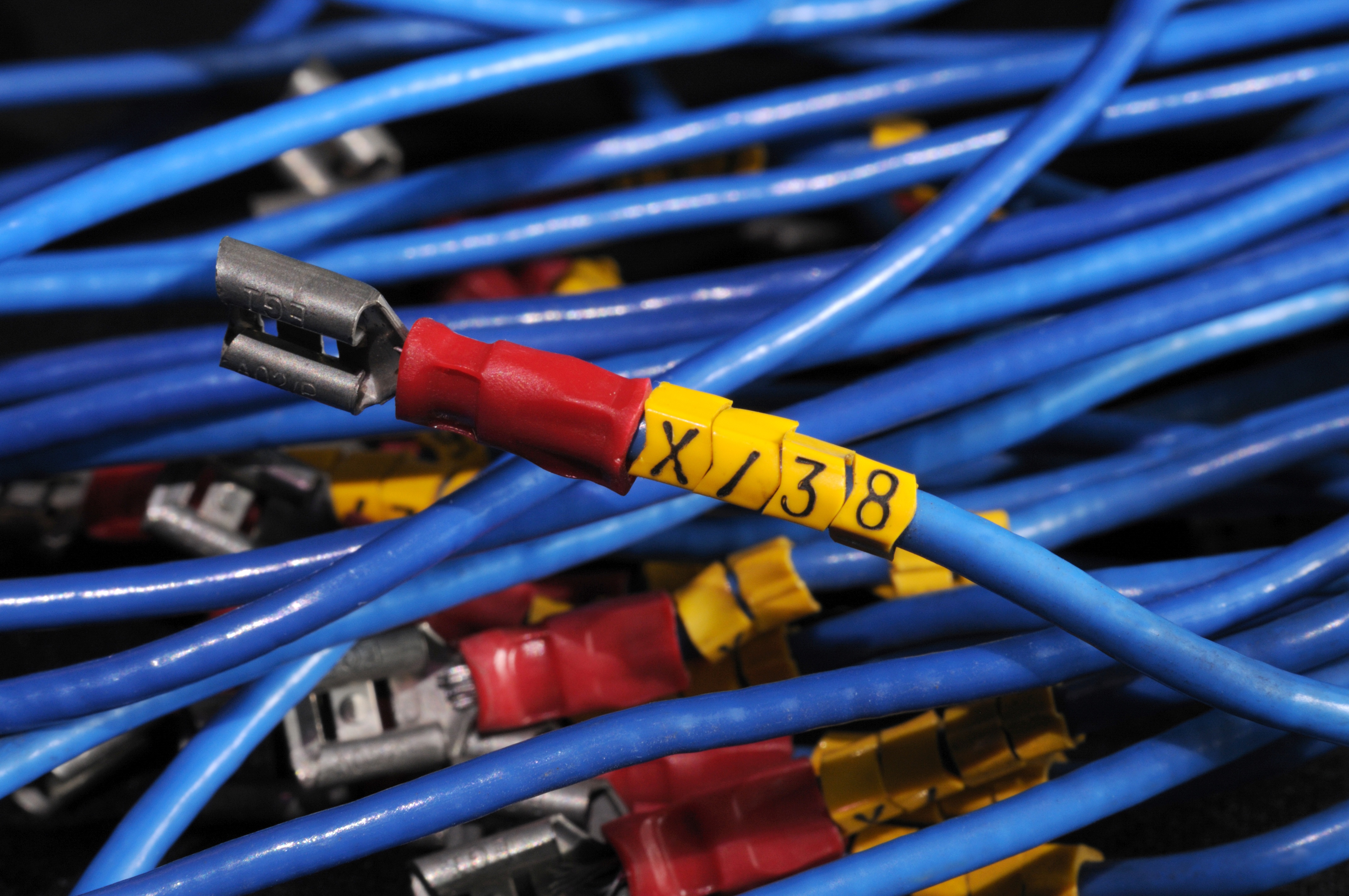
Why Use Dedicated Software?
Using software designed for cable and wire labelling ensures:
Faster workflows (especially with spreadsheet imports)
Cleaner, more professional labels
Fewer errors in repetitive or large-scale jobs
Compatibility with heat shrink, self-laminating, and wrap-around label types
Pro tip: If you're still handwriting labels on-site and calling it "bespoke" it's time for an upgrade.
Software Compatibility Tip
Most of the above tools are Windows friendly, and some also offer Mac or mobile versions. Always double check your label printer model’s compatibility before choosing software.

FAQs
Can I use Excel data to generate cable labels?
Most labelling software like Brady Workstation and P-touch Editor lets you import data directly from Excel for bulk printing.
What’s the difference between a wire label printer and an industrial label printer?
Wire label printers are often compact and portable, ideal for field use. Industrial printers are typically larger, offer more material types, and are designed for high-volume environments.
Do I need internet access to use the software?
Not necessarily. Most tools work offline after installation, though features like cloud storage or updates may need a connection.
Can I print heat shrink tube labels using this software?
Yes, provided your printer supports heat shrink material. Brady, Brother, and DYMO software all offer templates for this.
Are these programs beginner-friendly?
Yes, they’re designed with electricians and installers in mind. Expect intuitive interfaces, helpful wizards, and templates ready to go.

Final Thoughts
Whether you’re labelling data cabling in a server room or colour coding wires on a job site, using the right cable labelling software saves time, boosts professionalism, and avoids those classic “which wire goes where?” moments.
Pair one of these software tools with a reliable label printer for electricians or data installers, and you’ve got yourself a winning combo.
.
Related Products
