

How can I avoid contamination or damage to the fibres during the fusion splicing process?
Posted on: 29/01/2025
Contamination and Damage
Contamination and damage are the sworn enemies of a smooth fusion splicing process.
They can turn a straightforward job into a hair pulling ordeal faster than you can say "splice failure." Luckily, avoiding these pitfalls is more about good habits than rocket science.
Let’s break it down and make sure your splices are as clean as your conscience after a good day’s work.
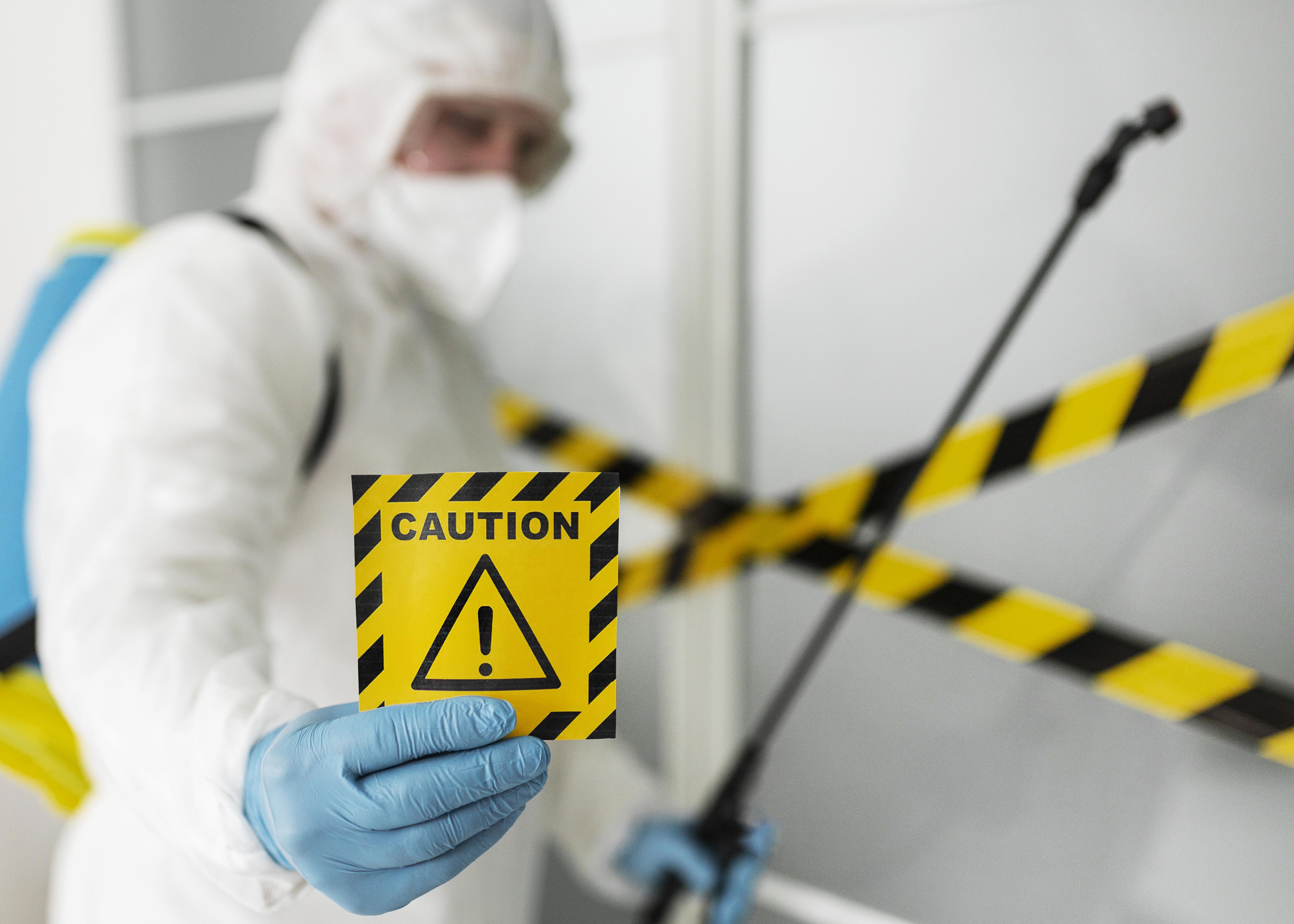
Why Contamination and Damage Matter
Think of fusion splicing like making a perfect sandwich. If there’s a grain of sand (or worse) in there, it ruins the whole thing. Tiny particles of dust or careless handling can cause higher splice loss or weak spots that might fail when you least expect it. Clean and intact fibres mean reliable, low loss connections, and that’s what keeps the network humming and your customers happy.
Tips to Avoid Contamination and Damage
Set Up a Clean Workspace
Treat your splicing area like a VIP zone for fibres. Keep it dust free and tidy. Use a cleanroom if you’ve got one handy or at least avoid working near open windows or fans that could blow dust into the mix. Organise your tools so you’re not fumbling around like it’s a bad magic trick.
Handle Fibres with Care
Always hold fibres by the coating. Touching the bare glass is like handling your food with dirty hands. Just don’t. Use good quality stripping tools. If your tool leaves the fibre looking like a chewed-up pencil, it’s time to upgrade.
Clean Fibres Like a Pro
Grab some 99% isopropyl alcohol and lint free wipes (and no, your old T-shirt doesn’t count). Wipe in one direction to avoid spreading gunk around, and make sure the fibre is dry before splicing. Think of it as giving the fibre a spa day.

Inspect Your Cleave
A clean, precise cleave is the secret sauce of good splicing. Use a cleave inspection tool or your splicer’s microscope to spot cracks, chips, or debris. If your cleaver is dull or damaged, swap it out. Don’t try to soldier on with subpar tools, it’s not worth it.
Keep Your Splicing Machine Happy
Dust and debris love to camp out in your splicer’s V grooves, clamps, and electrodes. Clean these areas regularly to keep them eviction free. Stick to the manufacturer’s maintenance schedule for electrode replacement. An inconsistent arc is like a wobbly table leg, troublesome and unnecessary.
Protect Your Hard Work
After completing the splice, don’t forget to apply a heat shrink splice protector. It’s like putting a raincoat on your splice. It shields it from the elements and mechanical stress.
Common Mistakes to Avoid
Skipping Cleaning Steps: A quick shortcut can lead to long term headaches. Don’t skimp on cleaning.
Using Cheap Tools: Budget tools can cost you more in the long run when they damage fibres or create inconsistent results.
Rushing the Job: Take your time. Fusion splicing isn’t a race; it’s a craft.
A Cautionary Tale
Picture this: a data installer is rushing to finish a critical network upgrade. They skip cleaning the fibre (just this once, they tell themselves). One tiny speck of dust sneaks in, and boom, high insertion loss. Hours of troubleshooting later, their client isn’t happy, and neither are they. Moral of the story? Shortcuts don’t save time, they waste it.
Final Thoughts
The fusion splicing process is part science, part art. A clean, careful approach ensures your splices are strong, low loss, and ready to perform. So, next time you’re setting up for a splice, remember that a little extra care upfront saves a ton of frustration later. And if you ever feel tempted to skip a step, just picture that angry customer call you’re avoiding.

Related Products
