

What causes crosstalk or interference in network cabling, and how can I prevent it?
Posted on: 14/05/2025
When you start hearing strange signal issues or experience slow data transfers across your network, chances are crosstalk or interference is the culprit.
In network cabling, crosstalk happens when a signal transmitted on one pair of wires affects the signal on another pair. Interference can come from external sources or poor cabling practices.
Both can wreak havoc on your structured cabling system, but luckily, there are tried and tested ways to prevent them.
In network cabling, crosstalk happens when a signal transmitted on one pair of wires affects the signal on another pair. Interference can come from external sources or poor cabling practices.
Both can wreak havoc on your structured cabling system, but luckily, there are tried and tested ways to prevent them.

What causes crosstalk and interference in network cabling?
There are a few common troublemakers here, and they love a messy install:
Poor cable separation: Running power and data cables too close together? That’s a recipe for electromagnetic interference (EMI).
Low-quality or outdated cable types: Using older or low-grade copper cabling that lacks modern shielding can invite crosstalk.
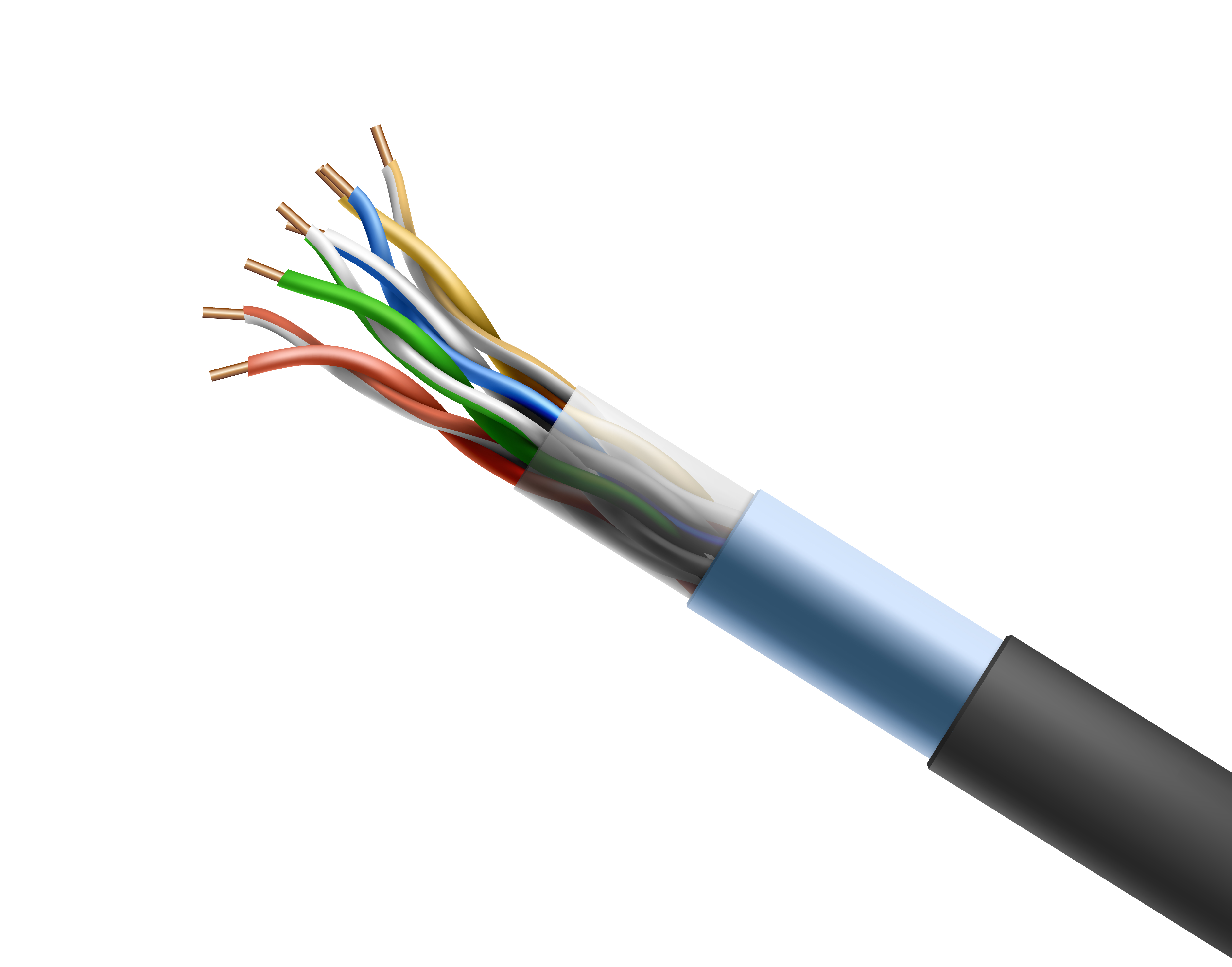
Untwisted or damaged pairs: In twisted pair cables, those twists are crucial. Untwist too much during termination and you may as well send your signal through a blender.
Over-bundling cables: It might look tidy, but too many cables jammed into a tight space increases the chance of signal bleed.
Environmental interference: Nearby machinery, fluorescent lights, and even heavy-duty HVAC systems can disrupt low-voltage cabling if not properly planned for.
How can I prevent crosstalk or interference?
The good news? Prevention is completely doable with the right approach and products. Here’s what you can do:
Choose the right cabling
Opt for shielded twisted pair (STP) or foil shielded cables if you’re working in environments with a lot of potential interference.
Use Category 6A or above for high-performance copper cabling where bandwidth is critical.
Stick to proper installation practices
Maintain the twist integrity of pairs during termination, no more than half an inch should be untwisted.
Avoid sharp bends and over-tight cable ties, which can damage the cable and impair performance.
Mind your spacing
Separate data cabling from power lines — a minimum of 200mm (or more) is recommended depending on the environment.
Don’t cross parallel with power cables; if you must cross, do it at a 90-degree angle.
Use quality patch panels and connectors
Cheap connectors are no friend to signal integrity. Stick with reputable brands and components that meet TIA/EIA standards.
Test everything
Use cable testers to check for NEXT (Near-End Crosstalk) and AXT (Alien Crosstalk) before calling the job done.


FAQs
What’s the difference between crosstalk and EMI?
Crosstalk occurs between cables within the same bundle, while EMI is caused by external sources like power lines or electronic equipment.
Is fibre optic cabling immune to crosstalk?
Yes, fibre optic cabling transmits light instead of electrical signals, making it immune to electromagnetic interference and crosstalk.
Can I run data and power in the same conduit?
It’s not recommended. Even low-voltage cabling should be kept separate from electrical wiring to prevent interference.
What tools can help me detect crosstalk?
Network cable certifiers like the Fluke DSX-5000 or Softing LinkXpert can detect crosstalk and other performance issues.
Do I need shielded cabling in a residential install?
Not usually. Unshielded twisted pair (UTP) is typically fine for homes unless there’s a lot of electrical noise or long cable runs near power sources.

Related Products
