

What causes my Fluke tester to show ‘adapter not recognised’ when using patch cord adapters?
Posted on: 10/02/2025
Why is My Fluke Tester Not Recognising the Patch Cord Adapter?
If your Fluke Networks tester shows the dreaded 'adapter not recognised' message, don't panic; it's a common issue with a few straightforward solutions. This error usually happens because of:
Dirty or damaged contacts – Dust, debris, or worn connectors can cause poor contact.
Incompatible or faulty adapters – Not all adapters are supported by every Fluke tester model.
Firmware issues – Outdated software might not recognise newer adapters.
Improper insertion – If the adapter isn't seated correctly, the tester won't detect it.
Let's dive deeper into these issues and how you can fix them.
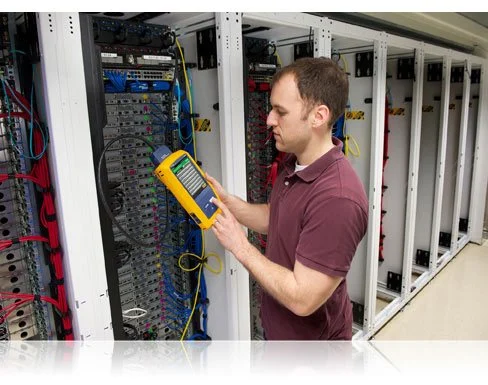
Common Causes and Fixes
Dirty or Worn Contacts
Over time, patch cord adapters and test ports collect dust and grime, leading to poor connectivity.
Fix:
Use a lint-free cloth and isopropyl alcohol to clean the contacts.
Inspect the adapter for bent or damaged pins; if worn out, it's time for a replacement.
Incompatible or Faulty Adapter
Not all Fluke testers support every patch cord adapter. If you use a generic or third-party adapter, your tester might reject it.
Fix:
Check Fluke Networks' compatibility list for approved adapters.
Try another adapter to rule out a defective one.
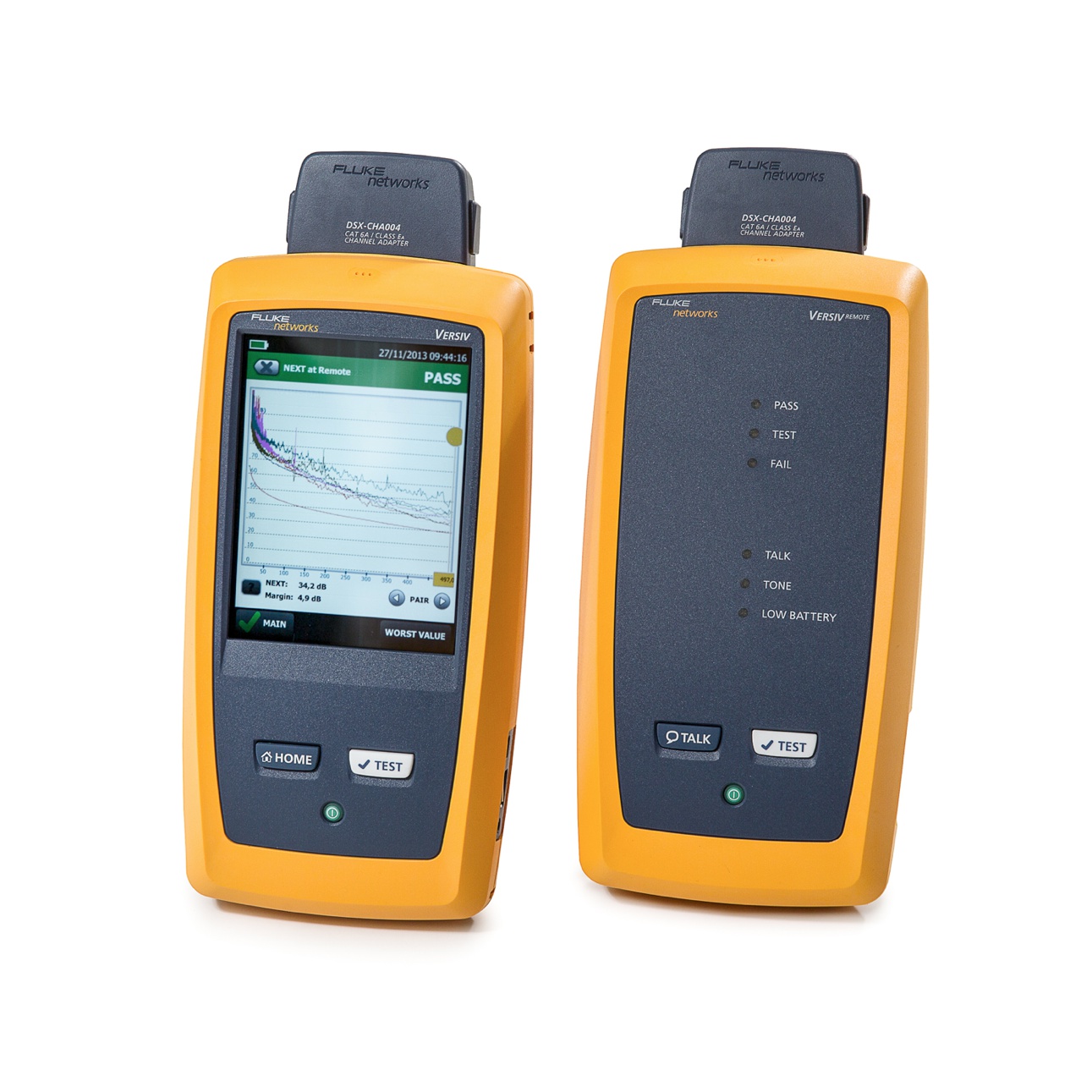
Firmware Updates
Fluke regularly updates firmware to improve compatibility and fix bugs. If your tester runs outdated software, it may not recognise newer adapters.
Fix:
Visit Fluke's website and download the latest firmware update for your tester.
Follow the update instructions carefully; some testers require a specific sequence to install updates correctly.
Adapter Not Properly Inserted
Sometimes, the issue is as simple as the adapter not being fully inserted.
Fix:
Remove and reinsert the adapter firmly until it clicks into place.
Check for damage to the port or the adapter if it feels loose.

FAQs
Can I use third-party patch cord adapters with my Fluke tester?
Fluke testers work best with official Fluke Networks adapters. Third-party adapters may not be recognised or could give inaccurate results.
How often should I clean my patch cord adapters?
Regularly, if you're testing frequently, a quick clean every week can prevent connection issues.
What if my tester still won't recognise the adapter after troubleshooting?
Try a different adapter. If the issue persists, contact Fluke Networks support or check if your tester needs servicing.
Does firmware make a difference?
Absolutely, many compatibility issues are resolved with a simple firmware update.
Could a faulty patch cord cause this error?
Yes, a damaged patch cord can interfere with testing. Swap it out and test again.

Final Thoughts
The 'adapter not recognised' message on your Fluke Networks tester can be frustrating, but it's usually an easy fix. Whether cleaning your adapter, updating firmware, or ensuring compatibility, these steps should get you back to testing in no time. And if all else fails, well, maybe it's just your tester's way of saying it needs a break. Don't we all?
Check out CMWwe for high-quality patch cord adapters and Fluke-approved accessories. We've got what you need to keep your testing smooth.
Related Products
