

Why am I getting ‘marginal’ results instead of ‘pass’ when testing with patch cord adapters?
Posted on: 05/03/2025
Your cables aren't necessarily bad if you see ‘marginal’ results instead of a complete ‘pass’ when testing with patch cord adapters. This typically happens because patch cord testing uses stricter limits than permanent link testing. Fluke Networks and other certifiers set tight tolerances to ensure patch cords meet high-performance standards. Even minor variations in cord quality, termination, or tester calibration can cause results to hover in that grey area between pass and fail.

Common Causes of ‘Marginal’ Patch Cord Results
Patch Cord Standards Are More Stringent
Testing patch cords isn’t the same as testing installed cabling. The ANSI/TIA standards for patch cords have lower insertion loss allowances, tighter NEXT (Near-End Crosstalk) limits, and stricter return loss tolerances. If your cords are slightly out of spec, they might show as ‘marginal’ instead of passing outright.
Adapter Wear and Tear
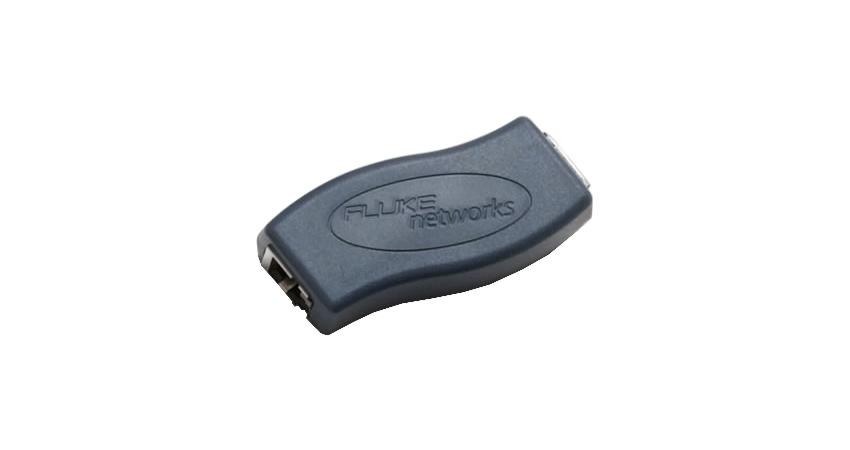
Patch cord adapters are used frequently, and over time, their gold-plated contacts can wear down. This wear increases resistance and affects the accuracy of test results. If you’re using older adapters, they might be contributing to inconsistent readings.
Connector Quality and Termination
Not all patch cords are created equal. Cheaper or poorly terminated cords might not connect perfectly with the test equipment, leading to higher insertion loss and impedance mismatches. Even high-quality cords can sometimes have inconsistencies that affect test performance.
Dirty or Contaminated Connectors
A single dust particle on an RJ45 connector can interfere with signal transmission and skew test results. To eliminate this variable, always inspect and clean connectors before testing.
Tester Calibration and Firmware Updates
Are you using an outdated firmware version on your Fluke Networks tester? That could be part of the problem. Regular calibration and firmware updates ensure your tester correctly applies the latest standards and test limits.
How to Improve Your Patch Cord Test Results
Use High-Quality, Standards-Compliant Cords – Avoid generic, off-brand cables. Stick with reputable manufacturers that meet ANSI/TIA patch cord specs.
Check and Replace Worn Patch Cord Adapters: If your adapters have been heavily used for a while, consider replacing them.
Clean Connectors Before Every Test – A simple isopropyl alcohol wipe can make all the difference.
Update Tester Firmware Regularly – Ensure your Fluke Networks tester runs the latest version.
Retest Using Multiple Cords – If one cord gives inconsistent results, try another to rule out manufacturing defects.


FAQs
What is the difference between ‘marginal’ and ‘fail’ on a Fluke Networks tester?
A ‘marginal’ result means the cable is close to the pass/fail threshold but meets the minimum performance requirements. A ‘fail’ means it does not meet the required standard.
Can I still use a patch cord that gets a ‘marginal’ result?
It depends. If the cord is being used in a high-performance network, replacing it is a safer bet. However, for less critical applications, it may still perform adequately.
How often should I replace my patch cord adapters?
This depends on usage, but it's time for a new set if you notice inconsistent results or visible wear. Many manufacturers recommend replacing them annually for high-volume testing.
What’s the best way to clean my RJ45 connectors?
Use a lint-free wipe with isopropyl alcohol or a dedicated network cleaning kit to remove dust and debris.
Do I need different adapters for Cat6 and Cat6a patch cords?
Yes. Cat6a adapters have a different design to accommodate the stricter electrical and physical requirements of higher-speed cables.
Related Products
