

How can I ensure secure access for guests without compromising the security of the main network?
Posted on: 12/05/2025

Why guest access can be a security risk
Inviting guests to use your main network is like giving a stranger your house keys just because they popped round for a cup of tea.
Even if it's just for basic internet access, allowing visitors, or even staff with personal devices, to connect to your core infrastructure opens up vulnerabilities.
Malware can spread, files can be snooped on, and before you know it, your network performance starts to suffer.
So, how do you keep things secure and user-friendly?
Set up a dedicated guest SSID
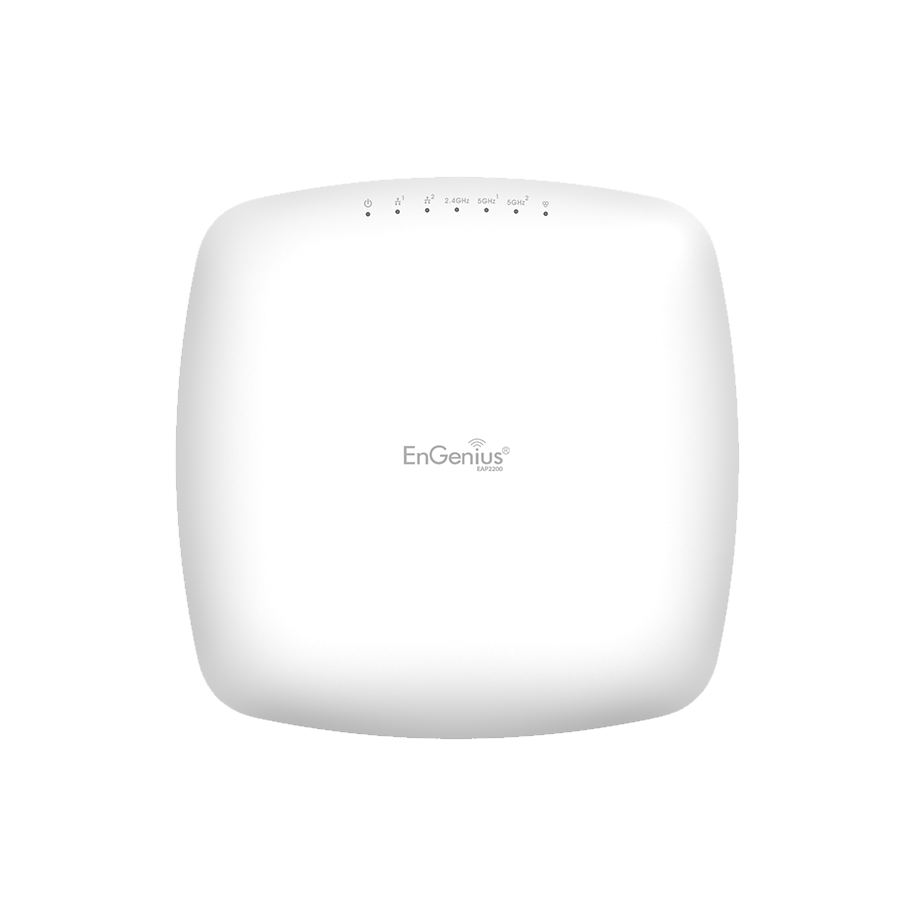
Most business-grade wireless networking solutions (like Ubiquiti, Cisco Meraki, and Aruba) let you create a separate wireless network just for guests. This means they connect to a different part of your infrastructure—without touching your main systems.
Use VLANs to segment traffic
VLANs are a cornerstone of enterprise networking. By tagging guest traffic separately, you reduce the risk of internal data exposure and can apply custom rules like bandwidth throttling or content filtering.
Enable captive portals
A captive portal acts like a gatekeeper. Guests must accept your terms of use (and maybe enter an email address) before connecting. Handy for legal cover and keeping tabs on who’s been online.
Limit access and speed
Guest networks should be “internet only.” That means no access to printers, servers, or shared drives. You can also apply rate limits so guest traffic doesn’t hog your bandwidth.
Monitor and review
Use your wireless management system to track usage, block suspicious devices, and ensure things are ticking along without surprises.


FAQs
Can I just password-protect the Wi-Fi instead?
Password-protection helps, but it’s not foolproof. Anyone with the password can still access your internal systems unless the network is properly segmented.
What’s a VLAN, and do I really need one?
A VLAN (Virtual LAN) creates a separate network within your physical network. Yes, you really need one, especially if you're running any form of corporate networking.
Is guest Wi-Fi really that risky?
If not managed correctly, absolutely. Malware, unauthorised access, and bandwidth hogging are just a few of the risks.
Do I need new hardware to do this?
Not always. Many business-grade routers and access points support VLANs and guest SSIDs out of the box. But if you're working with outdated gear, it might be time to upgrade.
Can I set usage limits on a guest network?
Yes. Many enterprise networking systems let you control bandwidth per user or limit the number of connected devices.
Final thoughts
Offering guest Wi-Fi doesn’t have to feel like opening Pandora’s box.
With a solid network infrastructure, proper segmentation, and the right tools in place, you can provide convenient, secure access for visitors without ever putting your core systems at risk.
Related Products
