

What can I do to reduce wireless interference from other devices or networks?
Posted on: 09/05/2025
If your Wi-Fi has ever mysteriously dropped mid-video call or ground to a halt while you’re downloading a large file, wireless interference is likely to blame.
So, what can you do to reduce wireless interference from other devices or networks?
The answer: Optimise your wireless setup, use the right frequency bands, avoid overlapping channels, and upgrade to business-grade networking hardware.
Let’s break down the causes, and more importantly, how to fix them.
So, what can you do to reduce wireless interference from other devices or networks?
The answer: Optimise your wireless setup, use the right frequency bands, avoid overlapping channels, and upgrade to business-grade networking hardware.
Let’s break down the causes, and more importantly, how to fix them.

What causes wireless interference?
Wireless interference happens when devices or networks compete for the same airwaves. Here are some of the usual suspects:
Neighbouring Wi-Fi networks (especially in offices or busy buildings)
Cordless phones, baby monitors, and even microwave ovens
Bluetooth devices and IoT products
Poor channel selection or overused frequencies
Sometimes, even your office kettle might be up to no good. (Yes, really.)
5 ways to reduce interference in your business Wi-Fi
Make use of the 5GHz band (or 6GHz, if supported)
The 2.4GHz band is often saturated. Modern enterprise networking equipment supports dual- or tri-band, letting you escape the crowd.
Bonus: Wi-Fi 6 and 6E handle interference better, support more users, and offer faster speeds.
Switch Wi-Fi channels
Each Wi-Fi band includes multiple channels. If yours overlaps with nearby networks, performance will suffer.
Use Wi-Fi scanning tools to spot congestion
Change to a clearer channel in your router or controller settings
Think of it like switching lanes on a busy motorway. Sometimes the slow lane just won’t do.
Keep devices physically separated
Electromagnetic interference is real. Try to avoid placing access points next to:
Cordless phones
Wireless speakers
Microwave ovens
Large monitors or screens
Even a simple repositioning can make a noticeable difference.
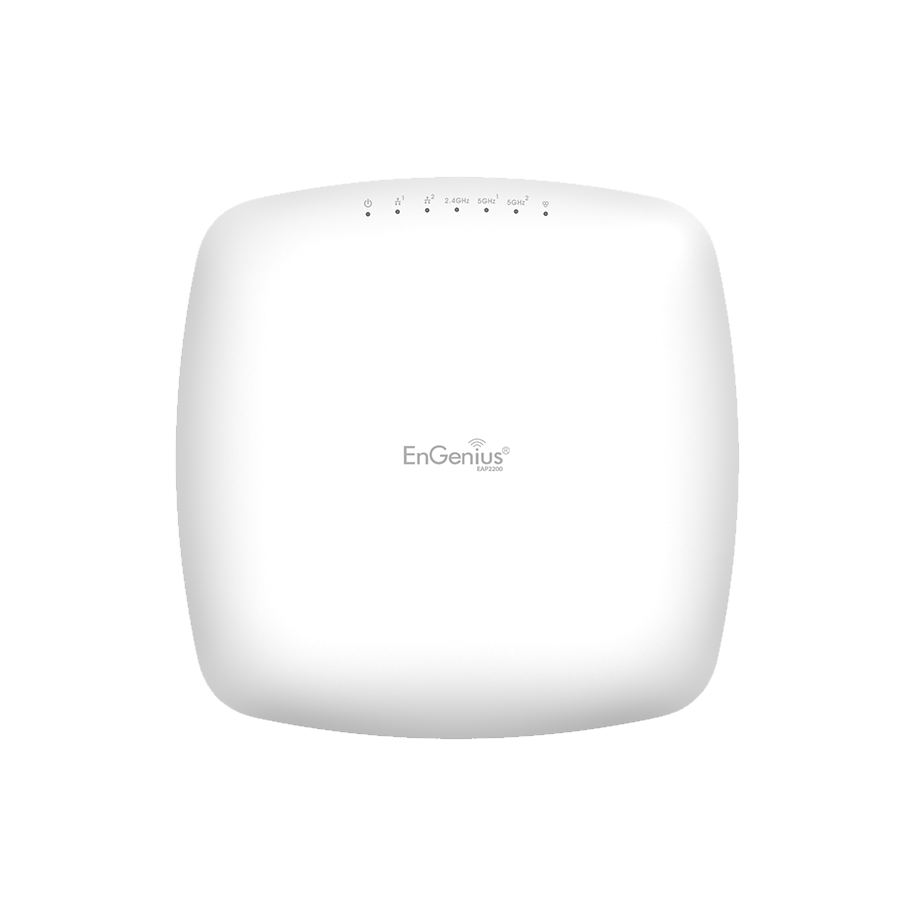
Use enterprise-grade access points
Generic routers aren’t designed for busy workspaces. Business-class access points offer:
Dynamic channel and band steering
Stronger, more stable connections
Better support for multiple users
A well-planned network infrastructure goes a long way in avoiding digital traffic jams.
Reduce the number of SSIDs
Each SSID (network name) adds background noise. If you're broadcasting multiple networks, for guests, IoT, admin, etc. consolidating where possible can help reduce clutter.


FAQs
Is 5GHz better than 2.4GHz for business Wi-Fi?
Yes, 5GHz typically offers faster speeds and less interference. It’s ideal for offices, though its range is shorter than 2.4GHz.
Can nearby networks interfere with mine?
Definitely. Especially on the 2.4GHz band, overlapping Wi-Fi signals from other offices can degrade performance.
Will a better router fix interference issues?
It can help, but interference also comes from physical layout and other devices. It’s best to combine better hardware with smart placement.
How does proper network deployment help?
Strategically placing access points and planning your network architecture avoids signal overlap and dead zones.
Should unused wireless devices be turned off?
Yes. Devices like Bluetooth headphones, old routers, or wireless printers can create unnecessary interference when left on.

Final thoughts
Reducing wireless interference isn’t a mystery, it just takes the right mix of smart setup, strategic planning, and reliable gear.
Whether you're managing a growing office network or planning a large-scale network deployment, understanding interference sources is the first step to building a smoother, faster, and more scalable wireless environment. And hey, if your microwave really is the culprit, at least now you’ve got someone to blame at the next team meeting.
Related Products
