

How can I fix slow Wi-Fi speeds during peak hours or high traffic times?
Posted on: 28/05/2025
Upgrade your network infrastructure and rethink your wireless strategy.
When your Wi-Fi slows to a crawl just as everyone logs on, it's usually a sign that your current system can't handle the load.
The good news? There are practical ways to fix it, and you don't need to be a networking wizard to get started.
When your Wi-Fi slows to a crawl just as everyone logs on, it's usually a sign that your current system can't handle the load.
The good news? There are practical ways to fix it, and you don't need to be a networking wizard to get started.
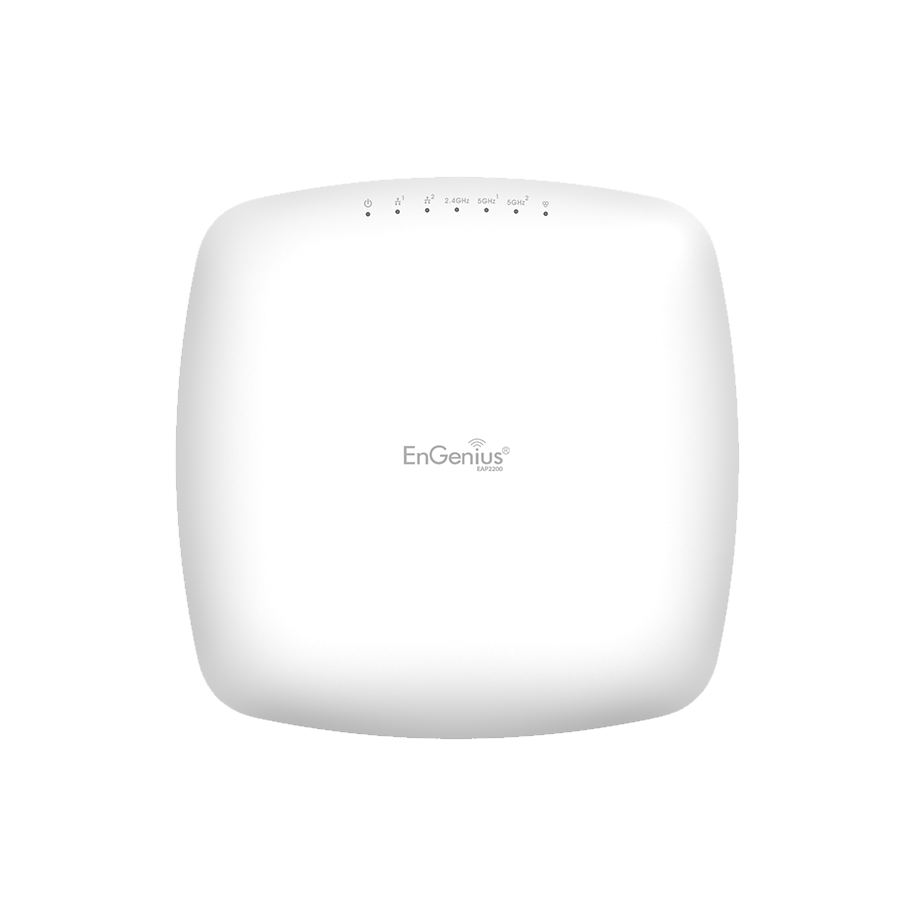
Understand the Cause of Slowdowns
Peak-time slowdowns often happen because:
Too many users are connected to the same wireless access point.
Old equipment can't keep up with modern demands.
Network congestion from streaming, video calls, and large downloads
Poor placement of access points or weak coverage zones
If your Wi-Fi gets a case of stage fright every time it has to cover an entire house, it's time to rethink how your wireless network is set up.

Solutions That Work
Upgrade to Wi-Fi 6 Technology
Wi-Fi 6 isn't just marketing fluff; it's designed to handle dense environments. It allows more devices to connect simultaneously, reduces latency, and improves performance under load. Perfect for offices, warehouses, and even the back room, where Barry always downloads 12GB firmware updates at 3 PM.
Implement Mesh Networking
Mesh networking spreads your signal evenly across your entire workspace. Instead of one lonely router doing all the heavy lifting, multiple wireless access points share the load, providing seamless coverage even in more significant or oddly shaped buildings.
Use Enterprise Grade Wireless Networking Solutions
Consumer-grade routers just aren't built for business use. Upgrading to enterprise Wi-Fi can offer:
Better range and reliability
More robust wireless network security
Advanced controls and monitoring tools
Better scalability as your team grows
Consider Cloud-Based Network Management
Cloud-managed wireless solutions allow you to monitor, manage, and tweak your wireless setup from anywhere. Whether it's adjusting traffic limits or updating firmware, cloud-based control makes it easier to respond in real time.
Reassess Your Access Point Placement
Sometimes, it's not about what you've done but where you've put it. Ensure your wireless access points are optimally placed to eliminate dead zones and avoid signal interference.


FAQs
Why does my Wi-Fi slow down at certain times of the day?
It's likely due to network congestion, as too many devices are competing for bandwidth. Upgrading to scalable wireless networking solutions can help balance the load more efficiently.
Will purchasing a new router resolve the issue?
Possibly, but not permanently. A more effective long-term solution is to upgrade to enterprise Wi-Fi, featuring multiple access points and cloud-based management.
What is mesh networking, and do I need it?
Mesh networking utilises multiple access points to deliver consistent, wide-ranging coverage. If your business spans multiple rooms or floors, it's worth considering.
Is Wi-Fi 6 worth it for a small business?
Absolutely. Even smaller businesses benefit from faster speeds, better device handling, and future-proofing your wireless network installation.
How is my current network set up the problem?
If slowdowns are regular and only occur during busy times, it's a classic sign that a network needs better load balancing, access points, or upgrades to long-range wireless networking tools.
Final Thoughts
Slow Wi-Fi during peak hours is frustrating, but it's not inevitable. With the right combination of technology, such as Wi-Fi 6, mesh networking, and cloud-managed wireless, you can transform your business's wireless network into something reliable and resilient.
And if you're still using the same router from 2012, it's time to let it retire. Give your Wi-Fi a promotion; it deserves it.
Related Products
