

How Do I Ensure My Wireless Network Can Support a Large Number of Devices Simultaneously?
Posted on: 31/03/2025
In today's digital age, ensuring your wireless network can support many devices simultaneously is more critical than ever, especially in enterprise settings.
Whether you are a small business owner, data installer, or managing a large building, optimising your Wi-Fi for multiple devices can mean smooth operations and constant frustration.
But how do you ensure your wireless network can handle the load without slowing down?
Whether you are a small business owner, data installer, or managing a large building, optimising your Wi-Fi for multiple devices can mean smooth operations and constant frustration.
But how do you ensure your wireless network can handle the load without slowing down?
Invest in the Right Equipment
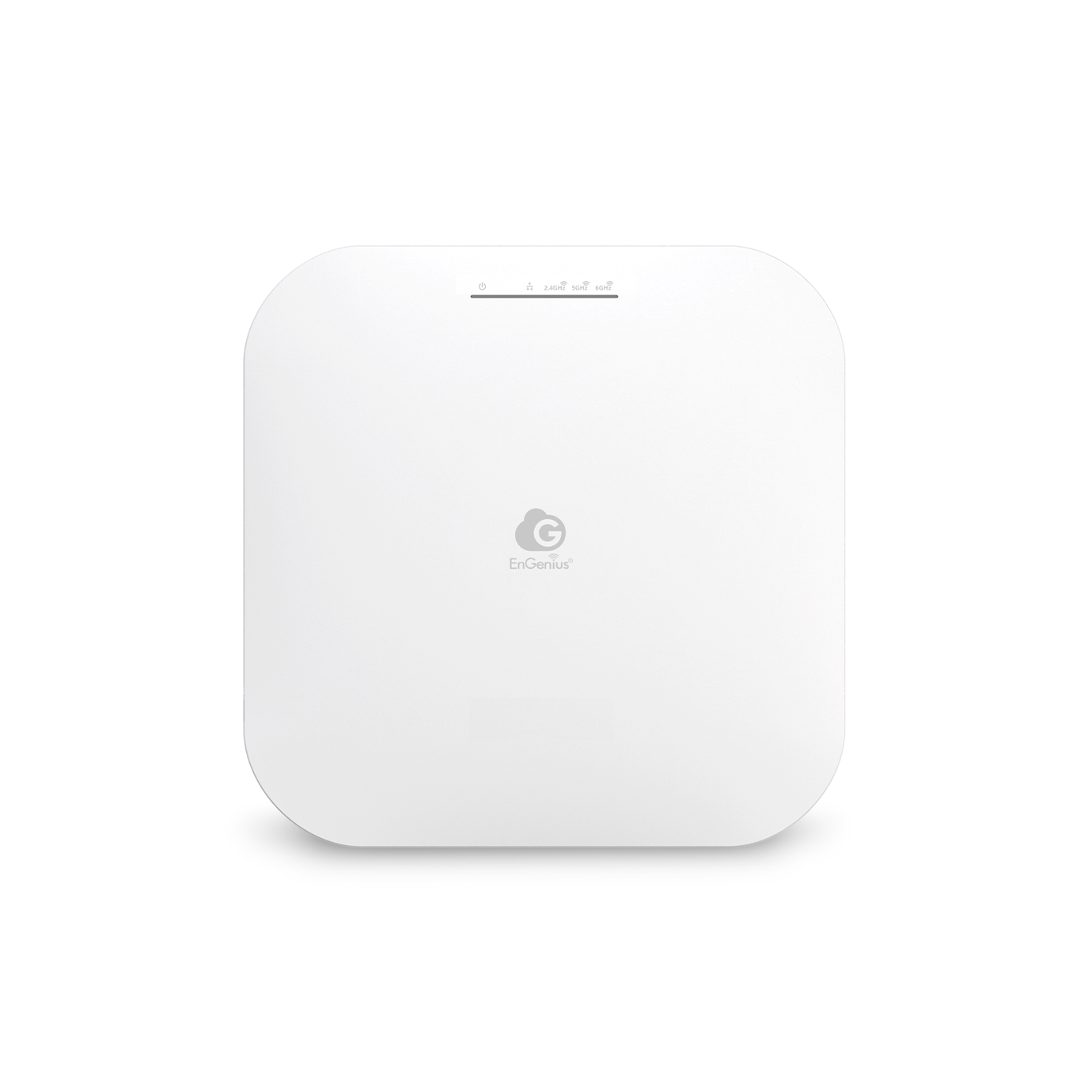
The first step in supporting many devices is using the proper hardware. Your wireless router and access points (APs) are crucial in determining how many devices can connect without affecting performance. Look for routers designed for enterprise networking with features like dual-band or tri-band capabilities. These routers can balance the load by distributing devices across different frequency bands, reducing congestion.
Example: If you're an electrician working on a large commercial project, consider using high-capacity Wi-Fi routers or mesh networks to ensure seamless connectivity throughout the building.
Optimise Wi-Fi Channels and Spectrum
Most Wi-Fi networks use 2.4 GHz and 5 GHz frequencies, but if you're working in a crowded area with many devices, these channels can become congested. You can minimise interference and improve network performance by analysing your wireless environment and switching to less crowded channels or utilising the 5 GHz band more effectively.
Tip: Tools like Wi-Fi analysers (many of which are free) can help you identify which channels are the least crowded in your area.
Implement Quality of Service (QoS)
If you want to ensure that important devices or applications get priority bandwidth, implement QoS on your network. QoS allows you to prioritise certain types of traffic, like VoIP calls or video conferencing, over others, like web browsing or file downloads. This helps ensure critical operations run smoothly even when there are a lot of devices connected.
Use a Mesh Network for Larger Areas
A mesh network is a game-changer for businesses with multiple floors or large open spaces. These systems use various APs to create a seamless, unified Wi-Fi network. They automatically route devices to the nearest AP with the best signal, ensuring no area is left with a weak connection.
Monitor and Upgrade Regularly
Finally, remember to monitor your network regularly. Monitor device connections and performance metrics to identify potential bottlenecks. Upgrading hardware, firmware, and software periodically can ensure your network is always performing at its best.
Pro Tip: If you're handling data installations, check the capacity and reliability of your network cables. Even the best wireless setup can be hindered by poor infrastructure.

FAQs
What type of router is best for supporting a large number of devices?
A high-performance router with dual or tri-band capabilities and enterprise-level features like load balancing and MU-MIMO (multi-user, multiple input and output) is ideal.
How many devices can a standard Wi-Fi router support?
This depends on the router, but standard routers typically support 20-30 devices. Enterprise routers or mesh networks can handle hundreds of devices simultaneously.
What is QoS, and why is it essential for wireless networks?
Quality of Service (QoS) allows you to prioritise network traffic, ensuring that essential services like video calls are prioritised over less critical data like web browsing.
Do I need a mesh network for a small office?
Not necessarily. A high-quality router with the right features may be sufficient for a small office. However, mesh networks are ideal for larger spaces or buildings with multiple levels.
How can I monitor the performance of my wireless network?
Network monitoring tools or Wi-Fi analysers can help you monitor the number of connected devices, signal strength, and overall performance. These tools help identify issues before they affect users. 
Ensuring your wireless network can handle many devices simultaneously is key to running a smooth operation, especially in enterprise networking environments.
With the right equipment, optimisation techniques, and monitoring practices, you'll be well on your way to providing seamless connectivity for all users.
After all, a fast and reliable Wi-Fi network is the backbone of any modern business; don't let yours become a bottleneck!
Related Products
