

Why Is My Signal Strength So Weak? Common Causes and Fixes
Posted on: 19/03/2025
Why Is My Signal Strength So Weak?
Weak signal strength can be caused by several factors, from physical obstructions to network congestion.
If your calls keep dropping, data speeds crawl at a snail’s pace, or you can’t send a simple text, your reception is likely being affected by distance from cell towers, interference, building materials, or network overload.
The good news? You don’t have to accept bad signals as your fate. There are ways to diagnose and improve it.
Let’s break down the most common culprits and what you can do to fix them.

Distance from the Nearest Cell Tower
The further you are from a cell tower, the weaker your signal. This is especially common in rural areas where towers are sparse.
How to fix it:
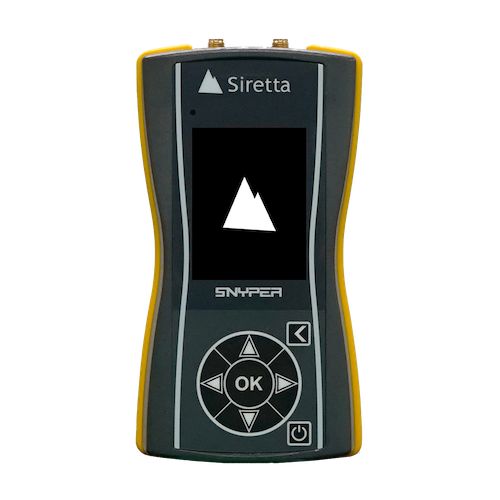
Use a Cellular Signal Logger to pinpoint the nearest tower and optimize your positioning.
Consider a signal booster if you're consistently struggling with weak reception.
Obstacles Blocking the Signal
Concrete walls, metal roofs, and even thick trees can weaken signals. Have you ever noticed how your reception drops inside an elevator? That’s interference at work.
How to fix it:
Move closer to a window or go outside for better reception.
If you're in a building with thick walls, installing a Network Signal Analyser can help identify weak spots and suggest the best placement for boosters or antennas.
Network Congestion
Have you ever experienced slow speeds at a packed concert or football match? That’s because hundreds (or thousands) of people are competing for the same network resources.
How to fix it:
Try switching to a less congested network band (e.g., 5G instead of 4G, or vice versa).
If your carrier supports Wi-Fi calling, enable it to make more reliable voice calls.
Device and SIM Card Issues
Sometimes, the problem isn’t the network; it’s your phone. Outdated software, a faulty SIM card, or a phone struggling to connect to the right frequency can lead to weak signal strength.
How to fix it:
Restart your phone and toggle aeroplane mode on and off.
Check if your phone needs a software update.
Swap your SIM into another device to see if the issue persists.
Weather Conditions
Believe it or not, heavy rain, snow, or storms can interfere with signal transmission. While you can’t control the weather (unless you're a superhero; if so, respect it), you can take steps to mitigate its effects.
How to fix it:
If bad weather is affecting your signal, use Wi-Fi calling if possible.
A signal booster can help maintain stronger reception even in poor weather conditions.
FAQs
How do I check my signal strength?
You can check it in your phone’s settings under ‘Network’ or use a Network Signal Analyser for precise readings.
Will a signal booster fix all my reception problems?
A signal booster can help, but it won’t work if there’s no signal to amplify. Always check your nearest tower location first.
Can my Wi-Fi interfere with my mobile signal?
Not usually, but they can create interference if you have many wireless devices on the same frequency.
Do newer phones have better signal reception?
Yes! Newer phones support more frequency bands and have better antennas for improved connectivity.
Is it worth hiring a signal analyzer before investing in a booster?
A Cellular Signal Logger or Network Signal analyser can help determine if a booster is necessary and where to place it for the best results.

Final Thoughts
Weak signal strength is frustrating, but it’s not always unavoidable. Whether the issue is distance from a tower, interference, or network congestion, diagnosing the issue with tools like a Network Signal Analyser can make a huge difference.
If you're looking to hire equipment to troubleshoot signal issues, CMW offers professional-grade solutions to help installers and businesses stay connected.
Related Products
