

What Are the Best Ways to Avoid Performance Drops During Peak Times?
Posted on: 02/06/2025
When you're stuck in a frozen video call or staring at a buffering screen, the question quickly pops up: how can I avoid these performance drops, especially during peak times?
The quick answer: It all starts with understanding your network, testing it properly, and making thoughtful adjustments using tools like Cellular Analysers and Wireless Signal Testers.
Whether you're a data installer, electrician, or just someone who wants smoother connections, tackling network slowdowns is easier than you might think and no, you don't need to be a tech wizard.
The quick answer: It all starts with understanding your network, testing it properly, and making thoughtful adjustments using tools like Cellular Analysers and Wireless Signal Testers.
Whether you're a data installer, electrician, or just someone who wants smoother connections, tackling network slowdowns is easier than you might think and no, you don't need to be a tech wizard.

Why Does Performance Take a Nosedive at Peak Times?
Peak times are when everyone suddenly decides the internet is their best friend, evenings, lunch breaks, and significant events.
When too many devices attempt to connect simultaneously, cellular networks become overloaded, resulting in slower speeds and increased frustration.
(Imagine trying to leave a concert at the same time as 10,000 other people. You're not getting anywhere fast.)
Best Ways to Keep Your Network Running Smoothly
Use a Cellular Network Analyser
Tools like Cellular analysers, LTE analysers, and mobile network analysers provide a clear view of how your network is performing.
With the right device, you can:
Check the real-time signal strength.
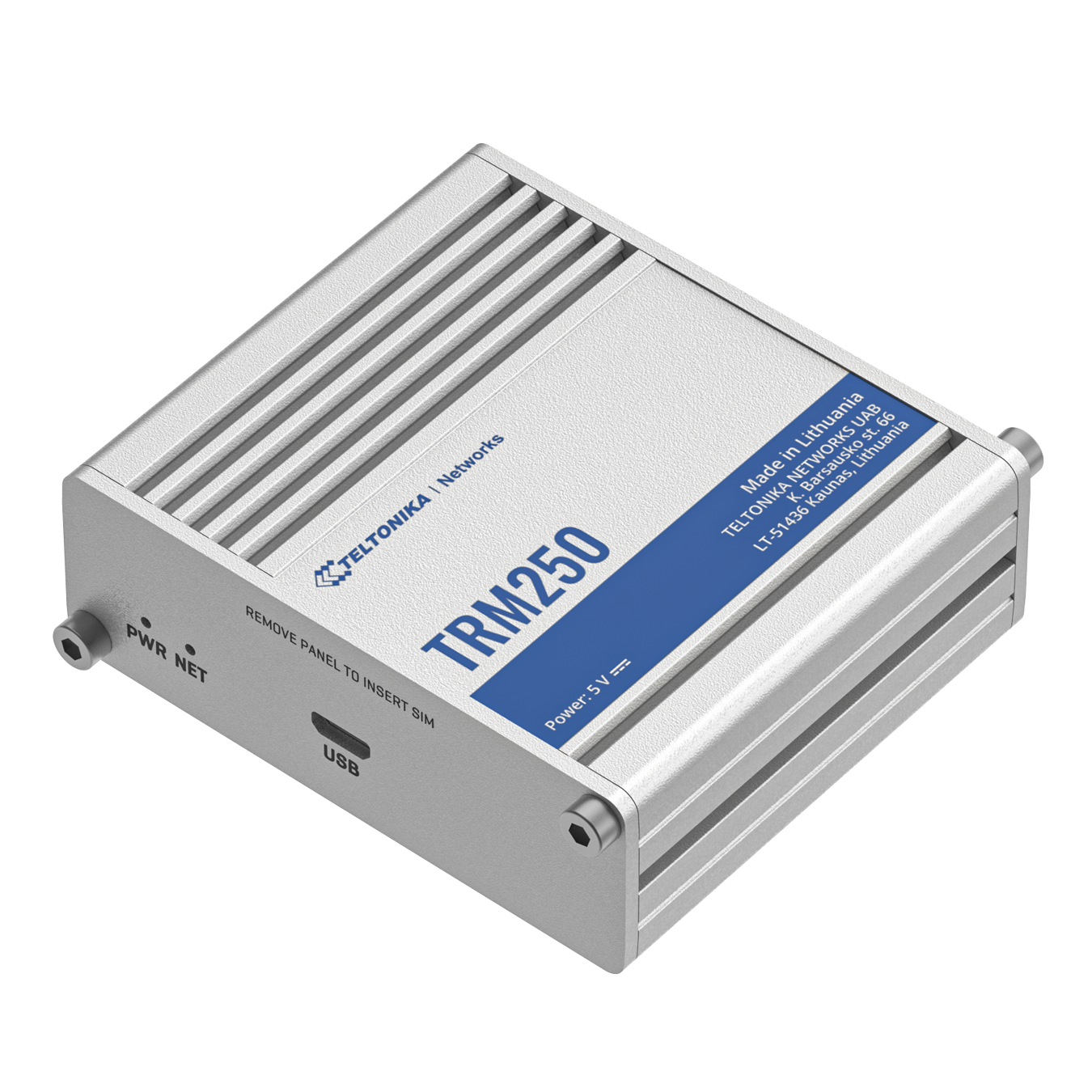
Identify areas with weak or inconsistent coverage.
Instead of guessing where the problem lies, these tools enable you to pinpoint and resolve issues with precision.
Your network equipment might be in the wrong place.
Using a Cellular Signal Tester or 4G/5G Signal Analyser helps you map out coverage areas and reposition routers, access points, or antennas for the best signal.
A slight adjustment, even moving a router a few metres, can seriously boost performance. Think of it as network acupuncture.
Still, relying heavily on 3G or older 4G setups? It might be time for an upgrade.
A 5G Signal Analyser can quickly tell you if you're in a good area for 5G, and upgrading could mean a giant leap forward in speed and reliability.
Don't let outdated infrastructure hold you back, especially when today's networks are being pushed harder than ever.
Set up Quality of Service (QoS) settings to prioritise essential services, such as video calls or critical apps, over less important traffic.
Schedule Around Peak Times
Run heavy data tasks, such as large downloads or backups, during off-peak hours.
Consider thinking late at night or early in the morning when network demand is lower. It is a simple trick that can lead to much smoother day-to-day operations.
Spot sources of interference
Instead of guessing where the problem lies, these tools enable you to pinpoint and resolve issues with precision.
Optimise Device Placement
Your network equipment might be in the wrong place.
Using a Cellular Signal Tester or 4G/5G Signal Analyser helps you map out coverage areas and reposition routers, access points, or antennas for the best signal.
A slight adjustment, even moving a router a few metres, can seriously boost performance. Think of it as network acupuncture.
Upgrade to Modern Standards
Still, relying heavily on 3G or older 4G setups? It might be time for an upgrade.
A 5G Signal Analyser can quickly tell you if you're in a good area for 5G, and upgrading could mean a giant leap forward in speed and reliability.
Don't let outdated infrastructure hold you back, especially when today's networks are being pushed harder than ever.
Prioritise Important Traffic
Set up Quality of Service (QoS) settings to prioritise essential services, such as video calls or critical apps, over less important traffic.
Schedule Around Peak Times
Run heavy data tasks, such as large downloads or backups, during off-peak hours.
Consider thinking late at night or early in the morning when network demand is lower. It is a simple trick that can lead to much smoother day-to-day operations.

FAQs
What's the most straightforward tool for checking my cellular network performance?
A Cellular Analyser or Mobile Network Analyser is perfect for quick, accurate signal assessments.
Can a Wireless Signal Analyser detect both cellular and Wi-Fi problems?
Yes, a Wireless Signal Analyser can highlight issues in both types of networks, making it ideal for troubleshooting.
How often should I be testing my network?
Ideally, test your network quarterly or after any significant changes to your environment or equipment setup.
Will upgrading to 5G improve my peak time performance?
If 5G is available in your area, 5G networks are built to handle much higher traffic loads.
Does device placement make a difference?
Yes, even a slight shift can significantly improve signal strength and reduce dead spots.

Final Thoughts
Avoiding performance drops during peak times isn't a matter of wishful thinking. It's about testing smartly and making informed decisions.
By using tools like a Cellular Signal Tester, Mobile Network Analyser, or 5G Signal Analyser, you'll have a clear view of what's happening and how to fix it.
Because, let's face it, life's too short for endless buffering.
Related Products
