

Why is my Wi-Fi signal weak in certain areas of the office or building?
Posted on: 07/05/2025
If your Wi-Fi signal is weak in certain parts of your office or building, it’s likely due to a combination of physical obstructions, poor network infrastructure planning, or outdated equipment.
Basically, your signal isn't vanishing into thin air, it’s just getting blocked, interfered with, or spread too thin.
Basically, your signal isn't vanishing into thin air, it’s just getting blocked, interfered with, or spread too thin.

Common Causes of Weak Wi-Fi in Office Spaces
Walls, Floors & Furniture Are the Culprits
Thick walls, reinforced concrete, glass partitions, and even metal filing cabinets can mess with your signal. It's like trying to shout across the building while everyone else is wearing noise cancelling headphones.
Example:
A client in a three-floor office had great Wi-Fi on the ground floor, but upstairs it felt like using the internet on dial-up.
The cause? The signal was being smothered by floors made of dense reinforced concrete. A mesh system sorted them out quickly.
Router Placement
The router stuffed under the stairs or behind a metal server cabinet. Yeah, that’s not helping. Positioning matters more than you think.
Place access points (APs) centrally.
Keep them elevated.
Avoid corners and enclosed spaces.
Interference from Other Devices
Microwaves, cordless phones, Bluetooth headsets, and even neighbouring Wi-Fi networks can disrupt signal. It’s a wireless jungle out there.
Insufficient Access Points
A single router can't stretch itself to cover every square inch of your business. Enterprise networking needs more muscle than a basic home router.
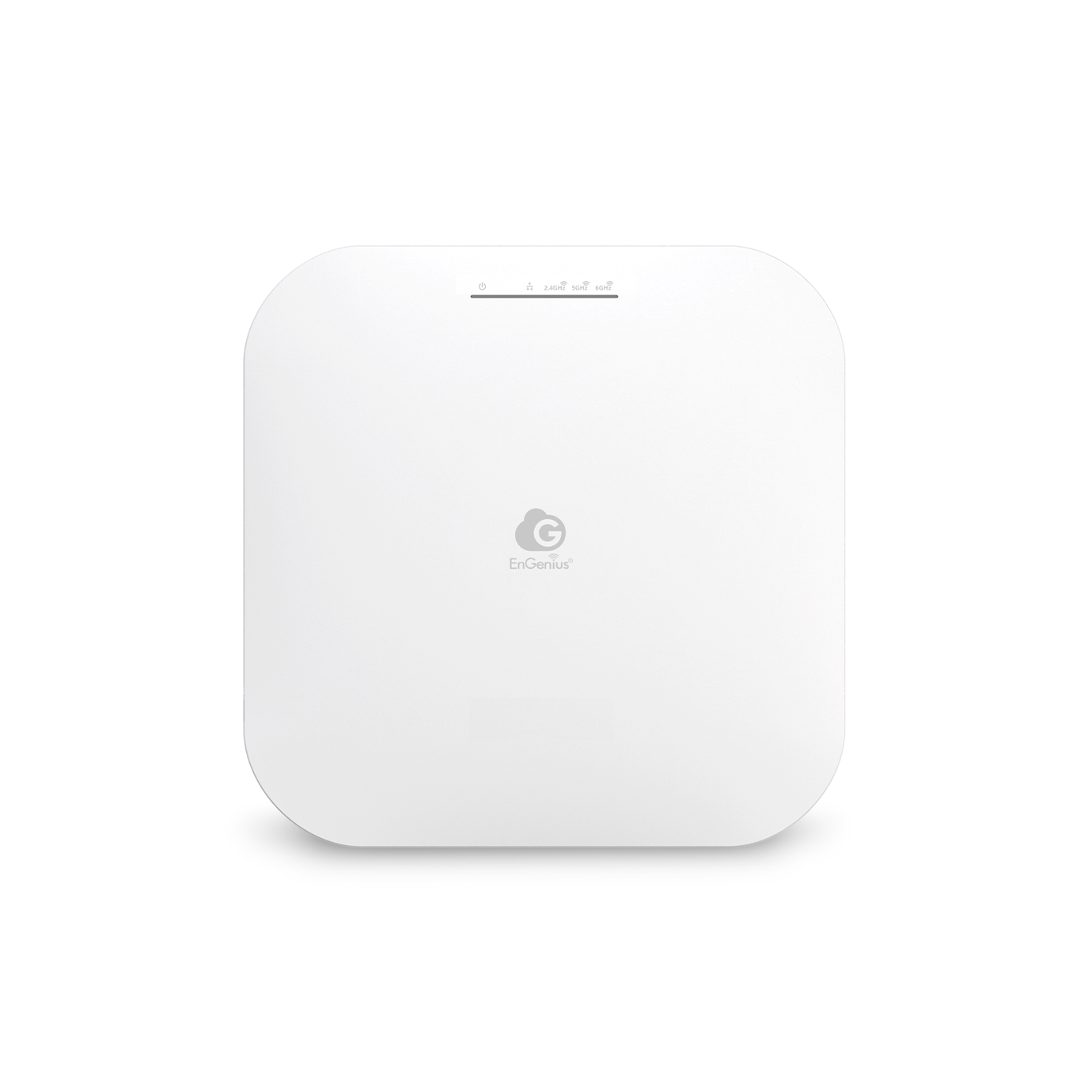
Solution:
Use multiple wireless access points as part of a scalable network deployment to maintain performance as your team grows.
How to Improve Your Business Wi-Fi
Upgrade Your Wireless Networking Solutions
If you're still using that five-year-old router from the last office, it might be time for an upgrade. Look for business-grade wireless access points that support Wi-Fi 6.
Optimise Network Infrastructure
Map out your floor plan and design your network accordingly. Think of it as a blueprint for digital success.
Conduct a Site Survey
Before deploying or upgrading, run a professional wireless site survey to identify dead zones and sources of interference.


FAQs
What’s the best way to improve Wi-Fi in a large office space?
Use a wireless networking solution that includes multiple strategically placed access points, connected to a strong backbone of cabling and switches.
Can adding more routers solve the problem?
Not really, multiple routers can conflict with each other. Access points tied into a central controller or mesh system are a better solution for enterprise networking.
Why does my Wi-Fi slow down at certain times of day?
Network congestion, everyone’s jumping online at once. Proper bandwidth management and scalable network deployment can help.
How often should business Wi-Fi equipment be upgraded?
Every 3–5 years, depending on usage and tech changes. Investing in modern equipment improves network scalability and reliability.
Should I consider hardwiring some devices instead of using Wi-Fi?
Absolutely. For printers, servers, or static desktop PCs, wired connections reduce wireless load and improve performance overall.

Final Thoughts
Weak Wi-Fi in your office isn’t just annoying, it’s bad for business. Whether you're a team of ten or a growing enterprise, a solid network infrastructure is essential for productivity.
Because let’s face it, no one wants to freeze on a Zoom call just as the boss asks for your input.
Related Products
