

Why is My Wireless Network Slow Despite Having a High-Speed Internet Connection?
Posted on: 28/04/2025
If you've got a high-speed internet plan but still find yourself waiting forever for your favourite YouTube video to buffer, you're not alone.
Wireless networks are often the culprit behind slow connections, even when your internet speed should be more than enough. But why is that the case, and more importantly, what can you do to fix it?
Wireless networks are often the culprit behind slow connections, even when your internet speed should be more than enough. But why is that the case, and more importantly, what can you do to fix it?
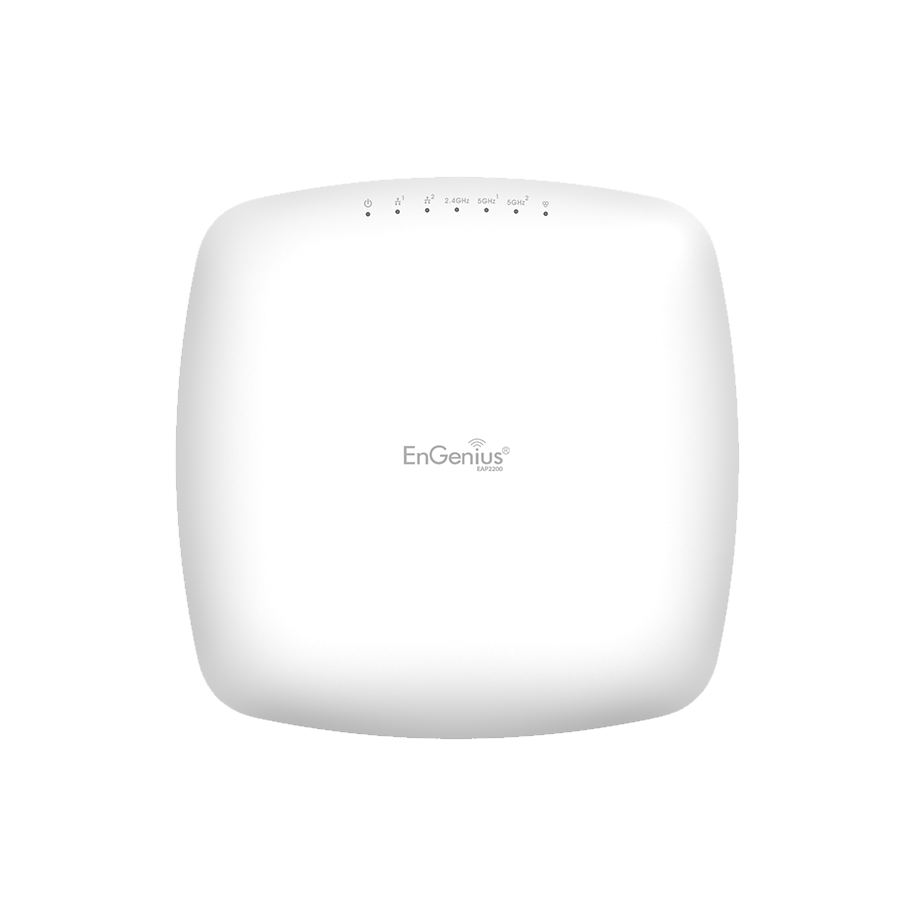
Interference from Other Devices
Your WiFi signal is like a radio station; it sends out a signal that other devices can pick up. If you live in an apartment building or a densely populated area, your WiFi might compete with other networks on the same or nearby channels. Things like microwaves, Bluetooth devices, and even your neighbour's WiFi can cause interference.
What you can do:
Change the WiFi channel or frequency band. Modern routers allow you to switch between 2.4 GHz and 5 GHz bands. The 5 GHz band is less crowded and can give you better speeds if your router and devices support it.
Use a WiFi analyzer tool to identify less crowded channels.
Router Placement Matters
The placement of your router is critical. If it's tucked away in a corner of your home or office, your signal isn't reaching all areas effectively. WiFi signals tend to degrade over distance and when they pass through walls, especially thick ones like concrete.
What you can do:
Place your router in a central location. Aim for an open area with minimal obstructions.
Avoid putting your router near metal objects or other electronics that might cause interference.

Bandwidth-Hogging Devices
Even with a high-speed internet connection, the number of devices connected to your network and their use can drastically affect performance. Streaming videos, online gaming, large file downloads, or even software updates can consume significant bandwidth, leaving less for everything else.
What you can do:
Disconnect unnecessary devices from the network.
Use your router's Quality of Service (QoS) settings to prioritize bandwidth for critical tasks like video calls or working from home.
Outdated Router or Hardware
Not all routers are built the same, and technology moves fast. If your router is a few years old, it might not support the latest WiFi standards, like WiFi 6, which offers faster speeds and better efficiency, especially in environments with many devices.
What you can do:
Upgrade to a newer router that supports the latest standards like WiFi 6 or WiFi 6E.
Check if your device drivers are up to date, as outdated network drivers can also hinder performance.
Network Congestion and ISP Limitations
It's easy to blame WiFi for slow speeds, but sometimes, the issue lies with your Internet Service Provider (ISP). If you're on a shared network or your ISP has limited your speed during peak hours, you may experience slower internet speeds regardless of your router's capabilities.
What you can do:
Contact your ISP to check if there's an issue on their end.
Consider upgrading your plan if you consistently hit the maximum bandwidth limit during peak times.


FAQs
Why does my WiFi speed vary across different devices?
WiFi performance can vary between devices due to differences in their wireless capabilities. Older devices or those without the latest WiFi standards (like WiFi 6) may struggle to maintain high speeds.
Should I buy a new router to improve my WiFi speed?
If your current router is several years old, upgrading to a newer model with better capabilities, such as WiFi 6, can significantly improve your network performance.
How can I check if my internet speed is being throttled?
Run a speed test using an online tool like Speedtest.net. If the results are far below what your ISP promises, contact them to see if there are any limitations or issues on their end.
Can I fix the slow WiFi without upgrading my router?
Yes! You can optimize your router's placement, reduce interference, and manage your network load to improve speed. However, if these changes don't help, a router upgrade may be the next step.
How do WiFi extenders work?
WiFi extenders boost your router's signal to areas with poor reception. However, they may reduce speed slightly as they relay the signal over greater distances.

Final Thoughts
Having high-speed internet doesn't guarantee excellent WiFi performance, but by understanding common issues like interference, outdated hardware, and network congestion, you can troubleshoot and significantly improve your wireless networking experience.
After all, no one likes waiting for a webpage to load in the 21st century, right?
So, check your setup, tweak a few settings, and soon enough, you'll enjoy a faster, smoother network at home or in the office.
Related Products
